
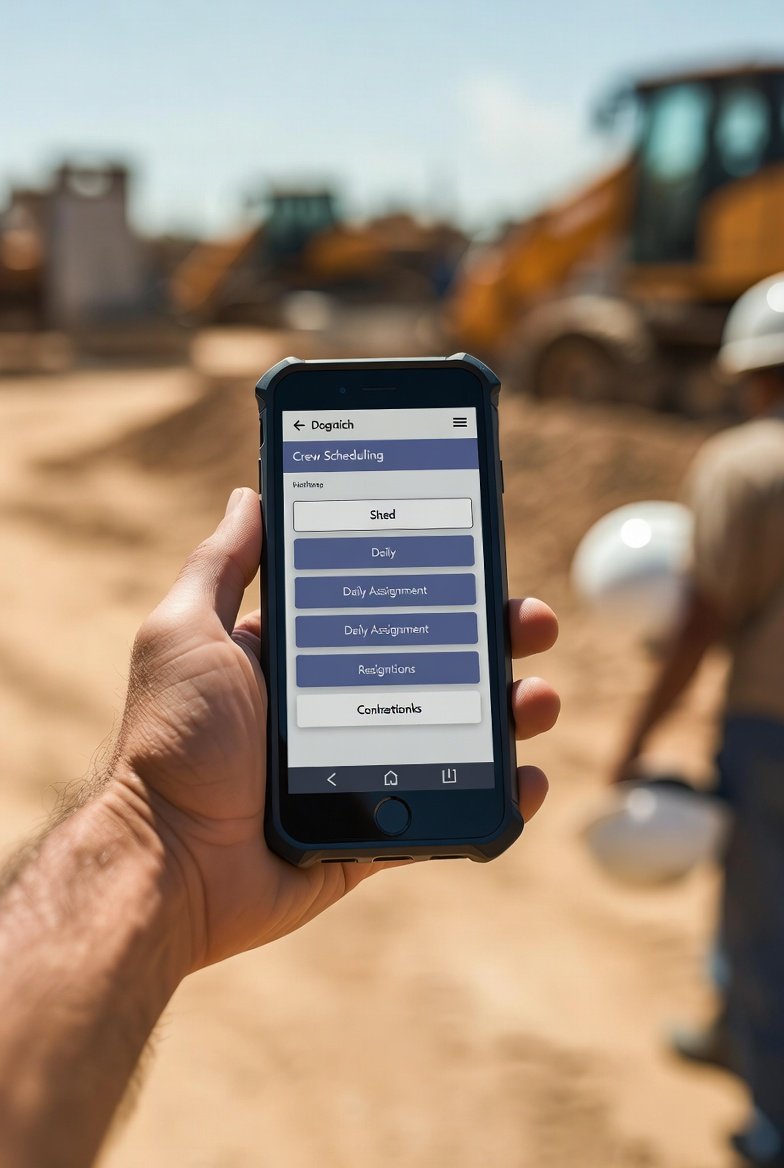
The schedule that matters gets made in an office and lives on a jobsite. That gap is where most crew scheduling software falls apart. A superintendent doesn't walk the deck with a laptop. A foreman doesn't step off the scaffold to check a Gantt chart on a 24-inch monitor. If the schedule can't ride in a back pocket and survive a dead-zone in the middle of a concrete parking structure, it isn't a field tool. It's a report someone in the trailer looks at after the fact.
I've watched crews run their whole week off a schedule that was printed Monday morning and already wrong by Tuesday noon. The plan changed, the office knew, and the field found out at the next OAC meeting. That lag is the real enemy, and it's the thing mobile is supposed to kill. Below is what actually matters when you're deciding whether a scheduling app earns a spot on your foremen's phones, sorted roughly by what will bite you first.
Start with the field reality, not the feature list
Every vendor demo runs on strong office wifi with a clean test project. Your world is a fifth-floor slab pour with one bar of signal, a foreman wearing gloves in January, and a phone screen you can barely see in direct sun. Judge the tool against that, not the demo. The best short-interval scheduling in the world is useless if the guy who needs it can't pull it up in ten seconds while standing at the work.
So before you get seduced by camera integration and GPS and calendar syncing, answer three plain questions: Can a foreman see today's and tomorrow's work in one glance? Can he update status without going back to the trailer? And does it hold up when the signal drops? Everything else is secondary to those.
Offline is a requirement, not a nice-to-have
Half the places you actually need the schedule are the places with no signal — the core of a high-rise, a basement mechanical room, the back of a hospital wing behind two feet of shielded wall. If the app goes blank the second it loses connectivity, your field crew learns not to trust it, and once they stop trusting it they go back to the printout. You've lost.
What good offline behavior looks like on site:
- Cached viewing. The current week and the next couple should already be on the device before the foreman walks into the dead zone. He shouldn't have to think about pre-loading.
- Queued updates. Marking an activity complete or logging a variance while offline should just work — the change sits in a queue and pushes up the moment signal returns.
- Honest sync status. The app has to tell you plainly whether what you're looking at is current or stale. "Last synced 9:14 AM" is worth more than a spinning wheel that lies.
- No lost work on reconnect. Test this deliberately. Put the phone in airplane mode, make five updates, turn it back on, and confirm all five landed. If even one disappears, that's a dealbreaker.
Run that airplane-mode test yourself during the trial. Vendors will tell you it works offline. Prove it before you roll it out to forty subs.
The screen is small — the app has to respect that
A phone is not a shrunk-down desktop, and any tool that treats it that way will get abandoned. On a four-inch strip of glass, you cannot show a six-week look-ahead and expect a foreman to find his three activities. Information has to be prioritized ruthlessly for the field.
The default view on a phone should be today and tomorrow — the work that's live right now. The longer horizon still matters (that's the whole point of a rolling look-ahead), but it belongs a swipe away, not on the front screen fighting for space. A foreman thinks in days; the PM thinks in weeks. The mobile view should match the man holding it.
And the touch targets have to be built for a gloved hand and a calloused thumb, not a mouse pointer. If your guys have to peel off a glove to tap "complete," they won't do it. Buttons big enough to hit reliably in work gloves is a small thing that decides whether the tool actually gets used.
Notifications that mean something — and don't cry wolf
Push notifications are the single feature that changes the office-to-field lag most. When the schedule shifts because the crane got weathered off or an inspection failed, the affected foremen should know inside a minute, not at tomorrow's huddle. That's the whole promise: the plan changes and the field finds out in real time.
But there's a discipline here. Notify people for changes that touch their work — a re-sequence, a constraint cleared, an assignment moved. Do not blast every foreman every time anyone edits anything. Alert fatigue is real; a phone that buzzes forty times a day gets muted, and then the one notification that mattered gets missed with the rest. A tool with smart, role-scoped notifications beats one that just fires on every keystroke.
Status updates from the field, not just viewing
A lot of "mobile" scheduling tools are read-only in practice — the field can look but can't touch. That's half a tool. The value of short-interval scheduling comes from the feedback loop: the field reports what actually happened, and next week's plan gets built on truth instead of hope.
So the foreman needs to mark work complete, flag an activity that slipped, and — this is the important one — log why it slipped. That variance reason is gold. "Didn't finish drywall — inspection got pushed" or "no material, the framing screws never showed" is the data that fixes your planning. Capture it in two taps at the moment it happens, with a photo if it helps, and you've built a percent-plan-complete history that actually tells you where your recurring constraints are. Make it a chore and nobody logs anything, and you're back to guessing.
Trade coordination is where mobile earns its keep
The classic jobsite fight is the handoff. Framing swears they were done Thursday; the electrician swears the wall wasn't ready until Monday and now his rough-in is behind. When both trades are working off the same live look-ahead on their phones, that argument gets shorter, because the sequence and the actual completion dates are right there.
A few coordination realities the software should support rather than fight:
- Buffers between trades, visible to everyone. Frame-to-rough-in usually wants a day or two of slack for cleanup, layout, and inspection — don't butt trades cheek to jowl on the plan and act surprised when they collide. If the schedule shows that buffer, the following trade stops showing up a day early and standing around.
- Location-based sequencing. Real work moves through a building by area, not by a flat task list. A look-ahead built around zones and floors — the way LookAheadWall lays out weekly work plans by location and connects the trade-flow from one crew to the next — reads far more like how a super actually thinks than a spreadsheet of line items ever will.
- Constraint visibility. If the plumber can't start until the inspection clears and the inspection clears at 10 a.m., that constraint status should be something the plumber can see on his phone, not a phone call he's waiting on.
Subs need in — cheaply and with a short leash
Your subcontractors are most of the labor on the job, so if only your own foremen have the app, you've solved a fraction of the problem. Sub access has to be dead-simple to get onto a phone and free enough at the crew-leader level that a sub doesn't balk at licensing costs for the guy who just needs to see his four activities this week.
Just as important, subs should see their scope and not the whole project's guts. A drywall foreman needs his wall, his sequence, and the trades ahead of and behind him — not your budget, not the owner's punch list, not the other subs' internal notes. Role-based, scoped access keeps the tool useful without turning it into a leak.
The boring stuff that decides whether it survives on site
A few unglamorous factors sink more rollouts than any missing headline feature:
- Battery and data. A phone that's dead by noon because the scheduling app hammers GPS and background sync is a phone with no schedule on it. And not everybody's on an unlimited plan — an app that burns a gigabyte a day making crews eat overage is an app crews will delete.
- Load speed on a weak connection. If it takes thirty seconds to open on two bars, the foreman checks it once and never again. Sub-five-second loads on a bad signal is the bar.
- Bring-your-own-device. Nobody's issuing company phones to every sub foreman. It has to run well on whatever mix of aging Androids and iPhones your trades already carry.
- Login that isn't a fight. Require authentication — losing a phone with the full schedule on it is a real risk — but let biometrics (Face ID, fingerprint) carry the daily load. A foreman is not going to type a twelve-character password forty times a day, and if you make him, he'll stay logged in forever, which is worse.
Prove it before you commit
Don't buy off a conference-room demo. Put the tool on two or three foremen's actual phones for a couple of weeks and let them beat on it under real conditions — real dead zones, real gloves, real end-of-shift fatigue when nobody wants to fuss with an app. Watch whether they actually use it or quietly drift back to the printout. That drift is your answer.
And get the feedback from the field, not the office. The PM will love the dashboards. The question that matters is whether the foreman, standing in the mud at 3 p.m., can pull up tomorrow's plan, mark today's work, and log the one thing that went sideways — in under a minute, without taking off a glove. If the answer's yes, you've got a real field tool. If it's no, all the camera integration and GPS in the world won't save it.
The point of all of it
Mobile isn't a checkbox on a construction scheduling tool — it's the whole delivery mechanism. The plan is only worth what the field actually knows and acts on. When a look-ahead lives on the phone of every foreman and sub on the job, updates the second the plan moves, and lets the field report back what really happened, the lag between office and field collapses. That collapse — office and field finally working off the same truth in real time — is the entire reason short-interval scheduling works. Everything on this list is just in service of that.