
Here's a scene you've probably lived. It's Friday afternoon, the PM emails out the updated three-week look-ahead as an attachment, and by Monday morning you've got four versions floating around. The drywall foreman is working off the one from last Tuesday, the mechanical super printed a copy that's now taped to a gang box and rained on, and the owner's rep is asking why the plan he saw doesn't match the plan you're actually running. Nobody's lying. Everybody's just looking at a different file.
That single problem — which copy is the real one — is the whole argument for putting your look-ahead schedule in the cloud instead of on a desktop. Everything else is downstream of it. Let's walk through what actually changes on a jobsite when the schedule lives on a server everyone can reach, and where the honest tradeoffs are, because there are a few.
The core problem cloud solves: one schedule, not twelve
A short-interval schedule only works if it's current. The entire point of a rolling three- or six-week look-ahead is that it reflects what's really happening this week and what's committed next week. The moment the plan on your screen and the plan the electrician is reading are two different documents, the coordination value collapses. You're back to phone calls and finger-pointing.
Desktop scheduling tools — and I'm including the spreadsheet emailed around every Friday — fight you on this. Every copy is a fork. The second you send the file, it starts drifting from reality. You spend Monday morning reconciling versions instead of running the job.
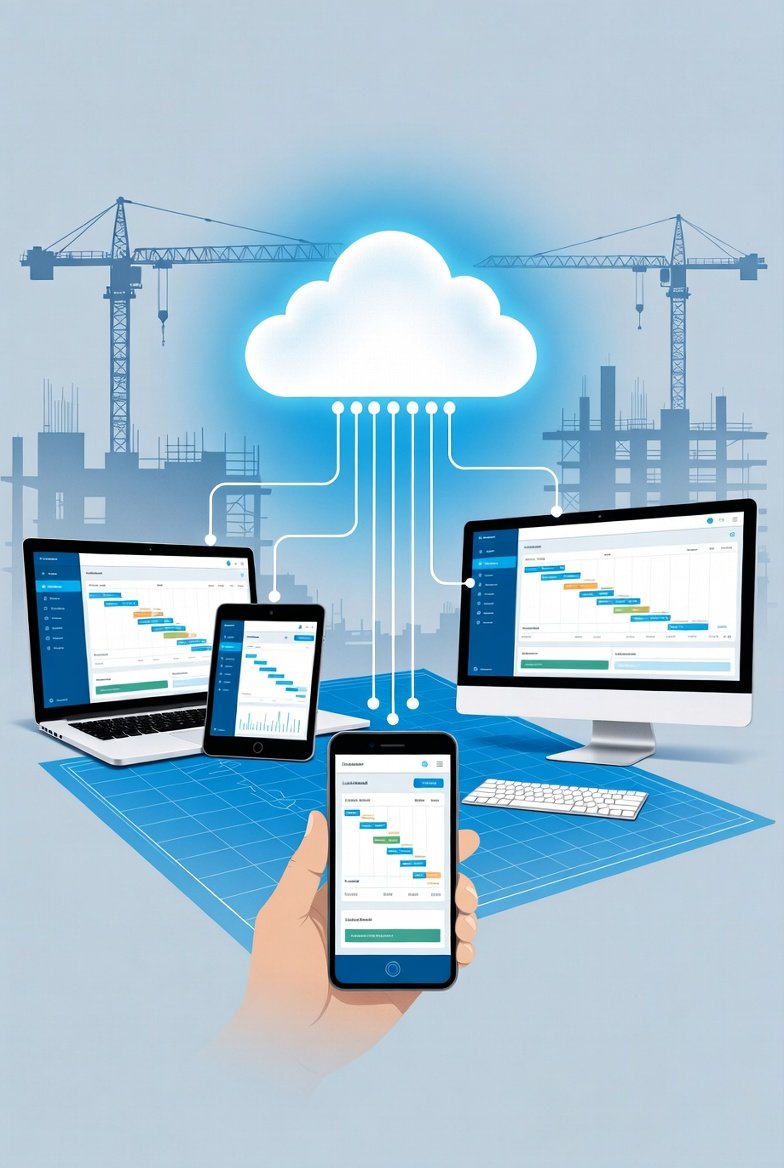
A cloud-based look-ahead schedule is a single record that everyone opens the same way. When the concrete super marks a pour complete, the PM sees it complete. When you slide a trade a day to the right because inspection slipped, the sub who's supposed to follow that trade sees the new date without you sending anything. There's no "latest version" because there's only one version. That's not a marketing line — on a busy job it's the difference between a plan people trust and a plan people ignore.
Real-time field updates, not end-of-day catch-up
The best look-ahead in the world is worthless if it's updated once a week from a laptop in the trailer. Reality on a jobsite moves hourly. An inspector red-tags a wall, a delivery misses its window, a crew finishes a floor half a day early and needs to know where to go next.
Because the schedule lives on a server, a foreman standing in the space can update it from a phone — mark the rough-in done, flag that the ceiling grid can't start until the fire caulk inspection clears. That update is live for the next trade immediately. This is where a companion mobile app earns its keep: the crew leader isn't walking back to the office to report progress, and the office isn't guessing what got done. Tools built for this, LookAheadWall included, put the same schedule on the phone that's on the office screen, so the field and the trailer are never arguing about what happened.
Compare that to the desktop world, where "the schedule" is a file on one machine. The only person who can change it is whoever's sitting at that machine, and everyone else waits for the update to trickle out. On a fast job you're perpetually a day behind your own site.
Subcontractor visibility without the software fight
Here's a practical one that matters more than people admit. Your subs are separate companies. They don't work for you, they don't use your IT, and they are absolutely not going to install your scheduling program on their machines. Getting a sub to open an attachment is already a coin flip.
With a cloud schedule, giving a sub access is a link and a login. The demo foreman can pull up next week's plan on his phone in the parking lot and see exactly which areas are handed to him and when. You can scope what each trade sees so they get their sequence without wading through the whole job. That single capability — subs looking at the real plan instead of a screenshot from a meeting three days ago — quietly kills a huge share of the "nobody told me" delays.
You cannot do this with desktop software in any way that survives contact with reality. Cross-company collaboration only works when the data isn't trapped on one company's computer.
Where cloud actually helps the sequencing
Look-ahead scheduling is really about trade flow — who follows whom through each area, and how much buffer sits between them. Get the sequence right and the job runs itself; get it wrong and you've got two trades stacked in the same room fighting over the same six feet of wall.
A live, shared schedule makes those handoffs enforceable instead of aspirational. A few things I want visible to everyone at once, that a shared plan gives you and a stack of emailed files does not:
- The buffer between trades. Frame-to-rough-in usually wants a day or two of slack for cleanup and the framing inspection to clear. When that buffer gets squeezed, everyone downstream should see it happen, not find out when the inspector shows up to a wall that's already being closed.
- The inspection gates. Rough-in doesn't hand off to insulation and drywall until it passes. Megger the runs and pressure-test before anyone talks about closing walls. A shared plan lets you park a real hold point on the sequence that every following trade can see.
- The make-ready. A task isn't ready to start just because the calendar says so. Materials on site, prior work signed off, area clean, permits pulled. When the whole team reads the same plan, the constraints on next week's work are visible now, while there's still time to clear them.
None of that is magic that only the cloud can do — a good superintendent tracks it in his head. But it doesn't scale past one person's memory, and it doesn't transfer when you're out sick. A shared schedule turns your instincts into something the whole team can act on.
The connectivity objection — and the honest answer
The pushback I hear most: "Half my building doesn't have signal. I'm in a concrete basement three levels down." Fair. It's a real concern and anyone who waves it away hasn't spent time in a stairwell trying to load a page.
The honest answer is that decent field apps cache the schedule on the device. The crew leader loads the plan while he's got signal, walks the basement, marks his progress, and it syncs when he's back in range. You're not depending on a live connection every second — you're depending on it eventually. That's a very different reliability requirement, and it's one modern tools handle. Ask specifically how a product handles offline before you buy; "cloud" alone doesn't guarantee it, and a tool that dies the moment you lose bars is not built for construction.
The maintenance and backup story you don't think about until it bites
Nobody buys scheduling software to think about backups. But desktop tools put that burden on you whether you want it or not. The schedule lives on one laptop, and laptops get stolen, dropped off scaffolding, and reformatted by IT the week before a milestone. When that machine dies, so does your only copy.
With cloud, the backups, the redundancy, and the security patching are the vendor's problem. Your data sits in professional infrastructure with geographic redundancy — a flooded trailer doesn't take your six months of schedule history with it. For a small or mid-size contractor with no dedicated IT staff, this quietly removes a category of catastrophe you probably weren't managing well anyway.
The tradeoffs, stated plainly
I'm not going to pretend cloud is free of downsides, because it isn't:
- You're renting, not buying. Cloud tools are subscriptions. You pay every month, forever, instead of one purchase. The upside is predictable budgeting and no server to buy; the downside is a bill that never fully goes away. For most contractors the math favors the subscription once you count the IT time you're not spending — but it's a real change in how you think about the cost.
- You're trusting a vendor's uptime. If their system is down, your schedule is down. Reputable providers run on major infrastructure and post real availability numbers — ask for them. This is a genuine dependency, and it's worth checking the vendor's track record before you commit the whole team.
- Your data policy matters. Ask who owns the data and whether you can export your full schedule history if you ever leave. You want your plans to be yours, portable, not hostage to a vendor. A straight answer here tells you a lot about who you're dealing with.
These are worth weighing. In my experience they don't come close to outweighing the coordination gains, but you should go in with eyes open rather than believing the brochure.
What to actually check before you switch
If you're moving off desktop or spreadsheets, a short, practical checklist beats a feature comparison:
- Does the field app work offline, and how does it resolve conflicts when two people edit the same thing? Get a real answer, not a "yes."
- Can you give a subcontractor scoped, view-only access in under a minute without them installing anything?
- Can the field update the plan from a phone as easily as the office updates it from a browser? If the mobile experience is an afterthought, the field won't use it.
- Can you export your entire schedule history on demand?
- What's the vendor's uptime history, and what infrastructure are they on?
Answer those five and you'll know more about a tool than a two-hour sales demo will tell you.
The bottom line
Construction is a distributed business. Multiple companies, office and field, people spread across a site that changes by the hour. A scheduling approach that assumes everyone gathers around one computer was never a good fit, and the industry has mostly figured that out.
The real win of a cloud-based look-ahead isn't a feature list — it's that the plan the superintendent is running, the plan the PM is reporting, and the plan the electrician is following are finally the same plan. Everything good flows from that. If you've ever spent a Monday reconciling four versions of the same schedule, you already understand the value better than any sales pitch could explain it. The question isn't whether to make the move. It's how long you're willing to keep paying the tax of not having.