
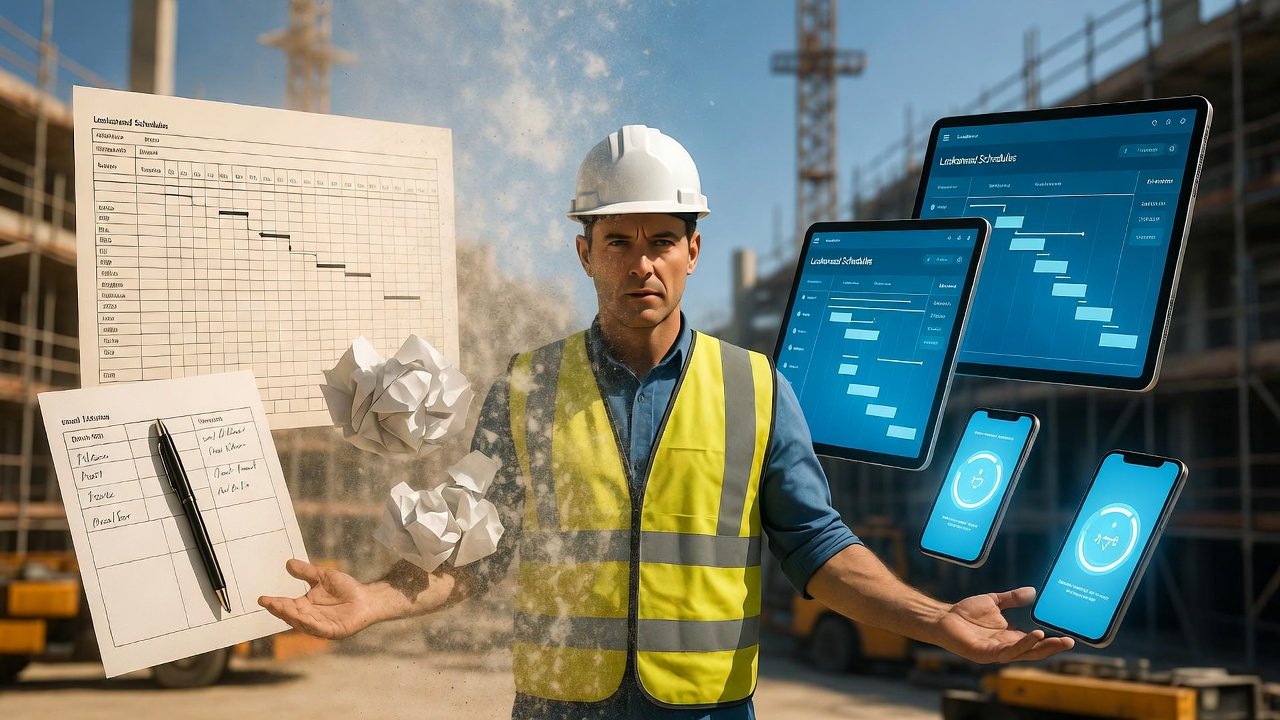
Why the paper schedule hangs on
Walk into almost any job trailer and you'll still find it: a Gantt chart printed on 11x17, taped to the paneling, curling at the corners, with a red pen dangling on a string next to it. Somebody updated it three weeks ago. The dates are wrong. Everybody knows the dates are wrong. And yet nobody's ready to take it down, because that yellowing sheet of paper is the one thing on the job every trade can point at and argue over.
Paper survived this long because it does a few things really well, and if you're going to replace it, you'd better understand what those things are. It's always visible — you can't help but see it. It takes no login, no battery, no cell signal. Anybody can grab the pen and cross out an activity or draw an arrow. That immediacy is the whole reason superintendents trusted it for forty years.
The mistake most crews make going digital is treating the move as a technology decision. It isn't. The software part is easy — you'll have a schedule built in an afternoon. The hard part is the people, the habits, and the trust. Get that wrong and you'll end up with a beautiful digital schedule nobody looks at, running alongside the same taped-up paper chart you were trying to kill. I've seen it happen more than once.
Don't go cold turkey — run them side by side first
The transitions that stick almost always happen in stages, not in one dramatic Monday-morning switch. Here's the sequence that actually works on a live job.
Stage one, both systems, digital shadowing paper. You keep printing and posting like always, but you also build the real weekly work plan in the software and keep it current. For a week or two the paper is still king and the digital version is just proving it can keep up. Nobody's forced onto anything. This is where your team quietly learns the tool without any pressure, and it's where you catch the setup mistakes — a trade named wrong, an area breakdown that doesn't match how the crews actually think about the building.
Stage two, digital is the source of truth, paper is a printout. Now you flip it. The look-ahead lives in the app; the paper on the wall is just a print of the app, dated and initialed, refreshed at the same time every week. When somebody argues about a date, the answer is "check the app." This is the critical stage. If your updates go stale here, people learn the app is unreliable and they'll drift right back to whiteboard-and-guesswork.
Stage three, digital only. You stop printing, or you print only for a specific ritual like the wall in the trailer or the handout at the Monday coordination meeting. By now checking the schedule on a phone is just what people do.
Give each stage a couple of weeks minimum. On a fast job you can compress it, but don't skip the shadow period — that's your insurance. Forcing full adoption on day one feels decisive and generates exactly the resistance that sinks the whole effort.
Find your two or three champions before you find your holdouts
Every successful rollout I've been part of rode on the backs of two or three people who got it early and pulled everyone else along. Your job is to find them and over-invest in them before you worry about anyone else.
Look for the superintendent who already checks radar and closeout logs on his phone — he's halfway there. Look for the younger PE or field engineer who has no paper habits to unlearn; pair him with an old-school foreman and let him be the guy who answers "how do I find my area again?" And watch your subs: one or two trade foremen will take to it fast, and when the drywall lead is pulling up his three-week look on his phone at the tailgate, the electrician standing next to him stops treating it as a GC gimmick.
Spend real time with these people. Sit with them, set up their view, make sure their first week is frictionless. Their success is contagious in a way no training memo will ever be.
The concerns you'll hear, and honest answers
You already know the objections. Have straight answers ready, because handwaving them just confirms the skeptic's suspicion.
"I don't do computers." Neither does the app, really. It's a phone screen, and the man saying this checks the weather and texts his kids on the same phone all day. Show him it's three taps to his crew's work for the week. Don't demo the admin panel — show him the one screen he'll actually use.
"What if I've got no signal?" Fair — half our buildings are Faraday cages once the metal deck goes down. A good field app caches the schedule so it's readable offline and syncs when you walk back out to the gate. Show that working in a dead zone on purpose, so he sees it with his own eyes instead of taking your word.
"Paper doesn't die at 2 p.m." Also fair. But a truck charger and a habit fix that. And the paper's real failure mode is worse: it's wrong the second something changes, and it changes daily. A dead battery is a five-minute problem; a schedule that's three revisions stale gets a crew mobilized to an area that isn't ready.
"I can't mark it up like paper." You can, and better — a note or a constraint flag on a digital activity is visible to everyone instantly, not just the one guy standing at the trailer wall. The scribble on paper dies with the paper. A flagged constraint in the system starts a conversation.
Train in the field, on the real job, in small groups
Construction people learn by doing, standing in the thing they're building. A classroom slideshow with a fake demo project is worse than no training — it teaches people the tool is abstract and complicated when the point is that it's neither.
So train on the actual project schedule, with each person navigating to their own real upcoming work. Do it on site, on the same phone they'll carry, in the same glare and gloves they work in — a screen that's readable at your desk can be useless in direct sun on a slab. Keep the groups small, two or three at a time, because a super and a first-year laborer do not learn at the same pace and you don't want the fast one bored while the careful one falls behind. And plan to do it more than once. Skills you teach on Tuesday are gone by Friday if nobody used them in between, so schedule a short refresher a week or two in, right when the questions have surfaced.
Keep it visible, or it disappears
Here's the trap nobody warns you about. Paper's greatest strength was passive visibility — you saw it whether you meant to or not. A digital schedule can vanish into everyone's pocket and simply stop being looked at. You have to manufacture the visibility paper gave you for free.
- Put a screen on the wall. A cheap monitor in the trailer showing the live look-ahead recreates the always-there presence of the taped-up chart, except it's always current.
- Anchor it to the meeting. Pull the three-week look-ahead up on the screen at every coordination and pull-planning meeting. When the authoritative schedule is what everyone stares at while they make commitments, that's where people go to check.
- Let it nudge. A morning reminder to review the day's work turns "I forgot to look" into "I looked before I left the truck."
Bring your trades along — they make or break it
Your own crew adopting the system is only half the battle. A look-ahead is a coordination tool, and it's worthless if the subs it's supposed to coordinate never open it. Treat their onboarding as seriously as your own.
Give them a one-page, dead-simple access guide: how to get the app, what login to use, where their work shows up. Not a manual — a single sheet. Fold trade foremen into your field training sessions; their engagement matters as much as your carpenters'. And start them with view-only. Let them get comfortable just seeing the plan before you ask them to update their own activities or flag their own constraints. Once a foreman trusts what he's looking at, giving him input turns him from a spectator into a contributor, and that's when the short-interval planning actually starts working the way it's supposed to.
Expect a messy month, and hold the line anyway
The transition period is bumpy. Somebody will no-show a meeting because they checked the old wall instead of the app. An area update will slip because the habit hasn't set. That's normal — plan for it, don't panic over it.
Two rules keep the wobble from becoming a collapse. First, once you announce the paper's coming down, take it down. If you keep printing "just in case," you've told everyone digital is optional, and optional loses. Second, kill access problems the same day they appear. A foreman who can't log in for a week doesn't just lose a week — he's handed a permanent, legitimate-sounding reason to never bother again. Every unresolved technical snag hardens into an excuse.
And when the system earns its keep — when someone catches that the SOG pour and the underground rough are stacked in the same area on the same day because they saw it on the four-week look — say so out loud in the meeting. That's the moment the tool proves it's not overhead, it's leverage. Name it every time it happens.
Know when you've actually crossed over
You don't measure this transition by whether the software is installed. You measure it by whether people are using it without being told to. A few honest signals:
- Logins are climbing and, more tellingly, they're happening at the start of the day and before crews move, not just when you send a reminder.
- The schedule stays current on its own — updates happen because keeping it accurate has become part of the weekly rhythm, not because you chased someone.
- In coordination meetings, trades reference the digital plan themselves. When a sub pulls it up to make his point instead of arguing from memory, it's become the shared reference.
- The paper printouts are shrinking. That's the lagging indicator that confirms the rest.
Make it stick, then make it more
Adoption isn't the finish line — a habit that self-sustains is. Once digital scheduling is just how the job runs, protect it and build on it.
Onboard every new hire and every new sub straight onto the system as the default, never as a choice between digital and paper — the choice is what reopens the door to backsliding. Keep asking the crews what's clunky and actually fix it; a tool that visibly responds to field feedback keeps people bought in, while a static one slowly gets tuned out. And once the basic look-ahead viewing is second nature, layer in the parts that make short-interval scheduling powerful: tracking constraints so nothing gets started blind, connecting your trade-flow sequences so the plan reflects how work really hands off from one crew to the next, and running a real weekly work plan and commitment cycle instead of just publishing dates. That's the whole reason a purpose-built tool like LookAheadWall exists — the location-based look-ahead is the foundation, and the sequencing and commitment tracking are what turn it from a prettier calendar into a way to actually run the field.
Crews that make this jump almost never ask to go back. Not because the software is magic, but because a schedule that's current everywhere, visible to everyone, and honest about what changed is simply a better way to run a job than a curling printout with the wrong dates on it. Take the transition in stages, lean on your champions, answer the objections straight, and keep the plan visible — and even the most paper-attached team you've got will make the leap and wonder why they waited.