
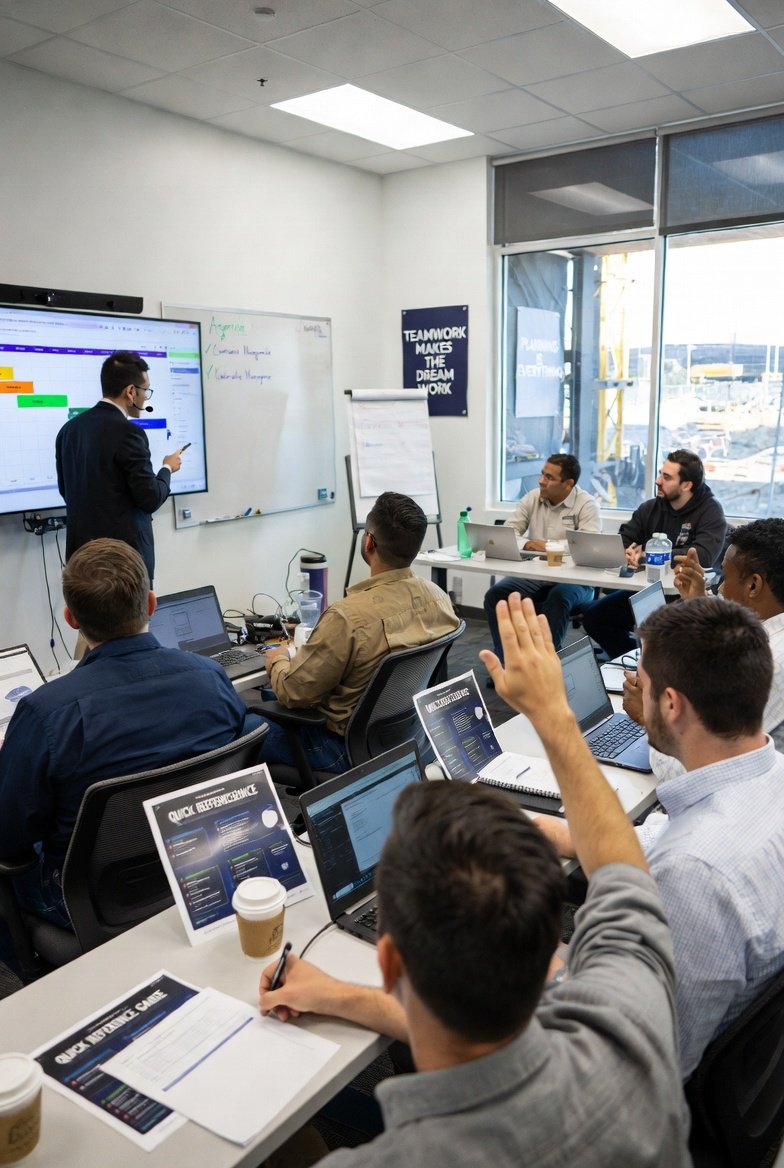
Here's the uncomfortable truth about rolling out scheduling software on a jobsite: the software is the easy part. I've watched a crew that could hang 4,000 square feet of drywall a day fumble a login screen for twenty minutes, then quietly go back to the paper three-week look-ahead taped to the gang box. The tool didn't fail. The rollout did. If you've bought a look-ahead scheduling platform and it's collecting dust, this is almost always a training and habit problem, not a features problem.
So let's talk about how you actually get a field team to use this stuff — not the classroom-and-webinar theater, but what works when the people you're training are wet, tired, and skeptical.
Train the practice first, the buttons second
The single biggest mistake I see is teaching people where to click before they understand what a look-ahead is supposed to do. If your foreman doesn't believe in short-interval scheduling, no amount of interface training will make him keep it current. He'll do the minimum, the schedule will go stale in a week, and everyone will conclude "the software doesn't work."
Start with the why, and make it concrete. A three-week look-ahead exists to surface constraints early enough to clear them — material that isn't on site yet, an inspection that hasn't been scheduled, a predecessor trade that's three days behind, a submittal still sitting in the architect's inbox. The whole game is finding the thing that will stop work next Tuesday while it's still this Wednesday and you can do something about it. When people grasp that the plan is a constraint-hunting tool and not a status report for the front office, adoption gets a lot easier. They start to see it as theirs.
A useful exercise on day one: pull up a real week from your current job, and walk the crew through spotting the constraints together before you touch the software. Once they've felt the value on paper, the app is just a faster way to do a thing they already believe in.
Match the depth of training to the role
Not everyone needs the same training, and trying to give a crew leader the same session you give a scheduler is how you lose the room. Break it down honestly:
- Superintendents and schedulers are building and maintaining the plan. They need the deep version: creating activities, sequencing trade flows, setting constraints, handling the weekly update, and reading what the schedule is telling them. Plan on real seat time here — a couple of hours to get comfortable and a full planning cycle before it clicks.
- Project managers mostly consume and communicate. They need to read the look-ahead, pull the reports that go to the owner, and spot when the field's plan and the master schedule have drifted apart. They don't need to know how to drag an activity bar. Teaching them data entry they'll never do just wastes their patience.
- Foremen and crew leaders need three or four things and nothing more: open the app, see this week's plan for their location and trade, mark what got done, and flag what's blocking them. That's it. On the companion mobile app this is a handful of taps. Keep their training to fifteen minutes and make every minute about those four tasks.
- Subcontractors need to find their scope, see where it sits in the sequence, and know how to raise their hand when something upstream isn't ready. Anything beyond "here's your work, here's when, here's how to say you're blocked" is noise to them.
The discipline here is subtraction. For field roles, everything you add to the training is something that can be forgotten under pressure. Fewer things, done cold, beats a comprehensive tour they'll never repeat.
Train in the field, on the phone, in the sun
A slick conference-room demo on a 27-inch monitor teaches almost nothing about how the app behaves at 6:45 a.m. in the gravel lot with the sun blasting the screen and the foreman wearing gloves. If your field team will use the mobile app to update progress, train them on the mobile app, outside, in conditions that look like their actual morning.
You'll find real problems this way that no classroom surfaces — the button that's too small for a work glove, the screen glare that makes a status color unreadable, the spot on site where the signal drops. Better to hit those during training than to have a crew leader silently give up on day three because it "didn't work" and never tell you why.
Give field folks a single laminated card — one side, a few steps, the tasks they actually do. Not a manual. Nobody reads the manual. A card that lives in a truck door pocket gets used.
Watch them do it — demos don't count
Watching someone else drive is not learning to drive. The most common training failure is a great demonstration followed by zero hands-on repetition. People nod along, feel like they got it, and then freeze the first time they're alone with a live schedule.
Make everyone touch it during the session, on real or realistic data. Superintendents should actually build a week and set constraints. Foremen should actually mark an activity complete and flag a blocker while you watch. The goal is to see them do it wrong once, in a safe setting, so you can correct it — better a stumble in training than a week of bad data because someone was quietly guessing.
The first two weeks decide everything
Adoption is won or lost in the first couple of weeks after go-live, and it hinges on one habit: the weekly plan actually getting updated and used out loud. Here's what actually locks it in.
Run your weekly planning meeting off the software from the very first week. If the look-ahead is on the screen during the meeting and every trade's commitments and constraints come out of it, people learn fast that this is where the real plan lives. If you run the meeting off a separate spreadsheet and treat the app as an afterthought, you've just told everyone the app is optional. It'll die.
Close the loop on constraints visibly. When a foreman flags that the elevator shaft can't be closed because the low-voltage rough-in isn't done, and that flag leads to a phone call that clears it by Thursday, say so in the next meeting. People keep flagging constraints when flagging constraints obviously works. They stop the moment it feels like shouting into a void.
And be there. For the first week or two, a superintendent or a strong super-user should be physically available when someone gets stuck — not "email support," a person. The friction of a five-minute question is what makes or breaks a new habit. Answer it fast and the habit survives.
Grow your own experts
You cannot personally hold every hand, and you shouldn't want to. On any crew there's someone who takes to the tool quickly and enjoys it — often a younger crew leader who's comfortable on a phone. Find that person and lean on them. Peer help in the same trailer, in the same language, beats formal training and vendor tickets nearly every time.
Invest a little extra in those super-users. Give them the deeper walkthrough, answer their questions first, and make it known they're the go-to. It costs you an hour and buys you a support network that runs itself. When a new hand shows up in month three, that super-user onboards them in ten minutes and you never even hear about it.
Know whether it's actually working
You don't need a dashboard of vanity metrics, but you do want to know if training took. A few honest signals:
- Is the plan current? Open the look-ahead on a random Thursday. If it reflects reality, people are using it. If it froze last Monday, it's already dying and you have a week, maybe two, to intervene.
- Are constraints showing up? A healthy look-ahead has real constraints flagged on it. A schedule with no constraints ever isn't a perfect job — it's a job where nobody's actually planning ahead, just recording history.
- What are people still asking? If you're getting the same basic "how do I mark this done" question weeks in, that's a training gap, not a user problem. Fix the training, not the user.
- Is the meeting running off it? If the weekly planning meeting still leans on a side spreadsheet, the software hasn't really been adopted no matter what the login stats say.
Keep training after go-live
One-and-done training doesn't hold. Skills fade, features change, and every new hire arrives knowing nothing about your process. Fold a short scheduling-software session into standard onboarding so it's not an afterthought three weeks in. Run a quick refresher when the tool adds something genuinely useful — but only when it's genuinely useful; don't drag the crew into a webinar for a cosmetic update. And when your own look-ahead process changes, retrain the change, not the whole tool.
Lean on what the vendor gives you, too. A good platform like LookAheadWall comes with an implementation walkthrough, short how-to videos, and a help library — use them for the initial push and as refreshers, so you're not rebuilding training material from scratch. But understand the ceiling here: vendor material teaches the software. Only you can teach your process, your sequences, your site. The training that sticks is the training that uses your actual project, your actual trades, and your actual next three weeks.
Get that right and the software stops being something you make people use. It just becomes how the job runs.