
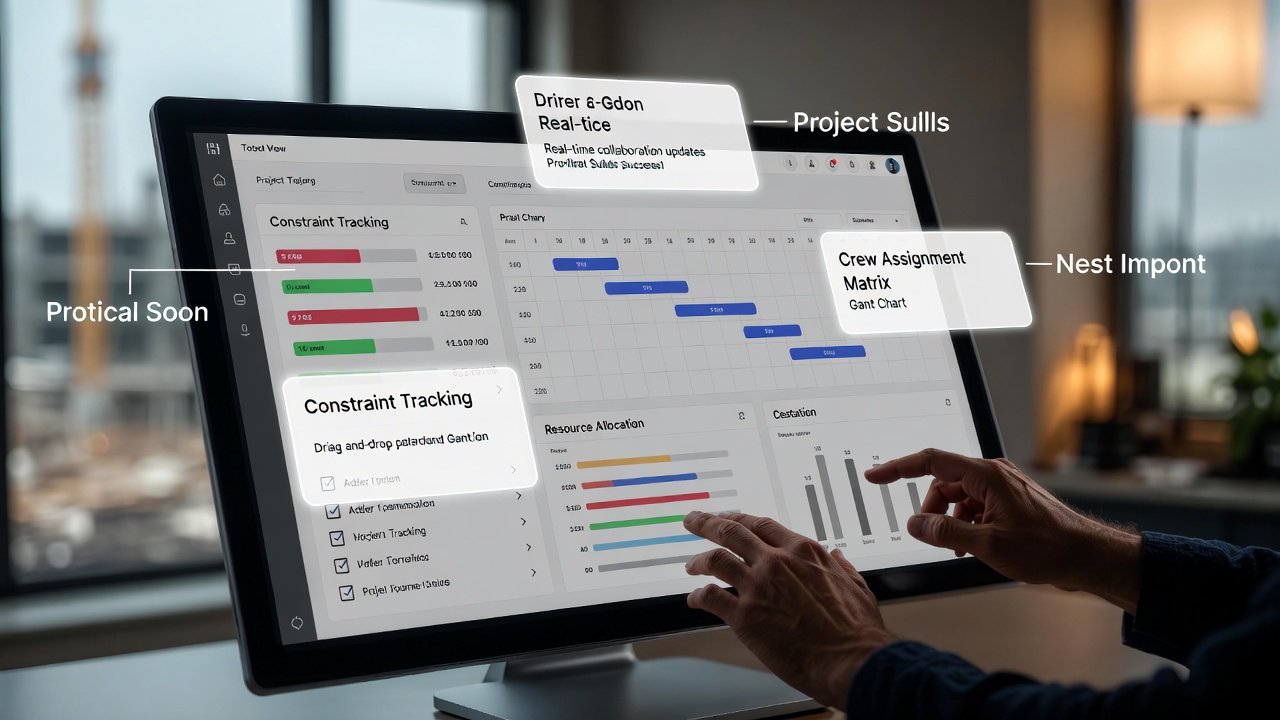
Every scheduling tool demo I have ever sat through ends the same way: a slide with forty checkmarks and a rep telling me their product does all of it. And every one of those tools ended up in the same place on real jobs — half the crew never opened it, and the weekly plan still lived on a whiteboard in the trailer. The problem was never a missing feature. It was that the feature that actually mattered was buried under thirty-nine that didn't, and the thing was too much of a chore to keep current on a Friday afternoon.
So let's throw out the checkbox list. After you've run enough short-interval schedules, you learn that a look-ahead tool lives or dies on a very small number of things. Here's what actually moves the needle, what quietly gets in your way, and how to tell the difference before you've signed a contract.
The one test that predicts everything: can you build next week in ten minutes?
If pulling together the weekly work plan takes you 45 minutes, you will do it well for about a month. Then a bad week hits — an inspection slips, a delivery no-shows, you're chasing a punch list — and the schedule is the first thing that gets skipped. Once you skip it twice, it's dead. Nobody trusts a plan that's a week stale, and a plan nobody trusts is just a wall decoration.
So the single most important quality in any look-ahead scheduling software isn't a feature at all — it's friction. How fast can you take last week's plan, roll it forward, drag the slipped items to where they really landed, add the three new activities that showed up, and print it for the sub meeting? If the answer is under ten or fifteen minutes, the tool will survive contact with a real job. If it's not, no amount of analytics or dashboards will save it, because you won't be feeding it current data.
When you demo anything, ignore the pretty views and do exactly this: build a real week, then build the next one from it. Time yourself. That number tells you more than the entire feature slide.
Constraints have to hang on the activity, not float in a separate list
This is the feature people underrate the most, and it's the one that separates a real look-ahead tool from a glorified calendar. Every activity in your window has things that have to be true before a crew can start: material on site, the deck poured, an RFI answered, the inspection signed off, the trade ahead of you actually finished and out of the room.
A lot of software treats constraints as a separate to-do list somewhere else in the app. That's a trap. When the constraint isn't attached to the activity it blocks, nobody looks at it until the crew is standing in the room with no way to work. The whole point of planning six weeks out and committing one week out is to find those blockers while there's still time to clear them — to make ready. If your tool can't show you "here's Thursday's drywall, and here's the two things still hanging over it," it isn't doing the job the practice exists to do.
What good looks like: you open an activity, you see its open constraints, each one has an owner and a need-by date, and your weekly review is literally walking that list and beating on whoever owns the reds. LookAheadWall was built around exactly this — constraints and trade sequencing live on the activities, not in a disconnected register — but whatever you use, verify the link is real. Ask the rep to show you an activity with three constraints and how a foreman sees them in the field. If they fumble that, keep shopping.
Trade flow you can see, because that's where the collisions happen
On a multi-family or any repetitive job — floors, units, wings — your real enemy is two trades wanting the same space in the same window. A list of activities won't show you that collision. A location-based, visual layout will, because you can literally see the electrician's rough-in flowing through the same units the framer hasn't cleared yet.
This is why the location dimension matters more than most dependency arrows do. You're not managing one long critical path; you're managing a parade of trades marching through the same rooms in sequence. The tool that lets you draw and see that flow — unit by unit, floor by floor — catches the pile-up two weeks before it happens, while you can still resequence or add a crew. The tool that only gives you a flat task list makes you hold all of that in your head, and nobody holds it perfectly.
Mobile that a foreman will actually pull out in the rain
Here's the honest test for the field side: will a crew leader take out his phone, in bright sun, with gloves on, and update something in under ten seconds? If yes, you'll get real data back from the field. If it's a shrunk-down desktop screen with tiny text and six taps to mark a task done, it stays in his pocket and you're back to updating everything yourself from the trailer.
What genuinely earns its place on the phone is a short list. Read the week — clean, big text, one thumb. Mark what's done. Flag what's blocked and why. Snap a photo of the condition — a photo of "this can't start, the deck's still shored" ends more arguments than a paragraph ever will. That's most of the value. Offline handling matters too, because half the buildings you'll stand in have no signal on the third floor; it needs to hold your update and sync when you walk back to the gate. A companion crew-leader app that does those few things well beats one that does thirty things you'll never trigger with wet hands.
PPC and variance reasons — the only analytics that pay for themselves
Most of the reporting vendors push is decoration. Two numbers are not.
The first is Percent Plan Complete — of the things you committed to this week, what percentage actually got done? Not "was worked on," done. It's a brutally honest number, and when you first start measuring it you'll be embarrassed; teams that swear they hit 90% are usually running 55-65% until they tighten up. That gap is exactly the money leaking out of the job. You want the tool to compute it automatically off your commitments, because if you have to calculate it by hand, you won't.
The second is the reason it didn't get done. Every incomplete commitment should get a cause code — waiting on materials, prerequisite work not finished, RFI not answered, weather, manpower short, changed our mind. On any single week that looks like noise. Tracked over eight weeks it's the most valuable thing in the whole system, because the pattern is undeniable: "40% of our misses this quarter were the same detailer's late shop drawings." Now you have a specific problem to fix instead of a vague sense that the job is behind. That is the entire engine of the Last Planner approach, and it only works if capturing the reason takes one tap, not a form.
Everything else in the analytics menu — earned value, resource histograms, baseline variance against the master schedule — has its place in project controls, but it does not improve next week's plan, and it demands data most field teams don't maintain cleanly. Don't let a rich analytics suite sell you if the two numbers above aren't dead simple to get.
Sharing that subs will actually open
A look-ahead is a coordination tool, which means it's worthless if it lives only on your screen. Your subs need to see their work, on the same plan, without a login process that takes an act of Congress. The friction test applies here too: if adding a subcontractor to the schedule is a 15-minute admin chore, you'll do it for the two big trades and skip the rest — and the ones you skip are exactly the ones who blindside you.
Role-based access matters, but keep it plain. You edit. Foremen view and comment. Subs see their scope and flag their constraints. That's usually the whole permission model you need. Granularity beyond that tends to be complexity for its own sake. What you actually want is: everyone looking at one live copy, changes visible to the people affected, and a clean printable week for the Monday or Friday sub meeting — because a lot of coordination still happens with a sheet of paper on a table, and it should print clean.
The features that look great in a demo and go unused on site
Some capabilities are genuinely impressive and genuinely irrelevant to near-term execution. Be honest with yourself about these before they drive a buying decision:
- Elaborate Gantt charts with critical-path highlighting. Beautiful, and the right tool for the master schedule. But your six-week window is about who's in which room next Tuesday, not the longest path across an 18-month job. Daily look-ahead decisions almost never come off those dependency arrows.
- Resource-leveling histograms. They need clean, maintained resource data that most field teams simply don't keep. Simple crew counts you'll actually update beat a leveling engine you'll never feed.
- Baseline comparison on the weekly plan. Comparing to the original baseline is a project-controls exercise. On the look-ahead it adds clicks and clutter without changing what your crews do tomorrow.
- Rigid, locked workflows. Software that forces one "correct" process rarely matches how your specific job runs, and every mismatch is a reason someone stops using it. Flexibility beats enforced structure almost every time in the field.
None of these are bad tools. They're just answers to a different question than "what are we building next week and what's in the way."
Watch the required-fields trap
The fastest way to kill adoption is a system that demands ten fields before it'll save an activity. Every mandatory field is a small tax on every update, and field crews pay that tax by not updating. The best look-ahead tools let you capture something useful with almost nothing filled in, then let you add detail where it's worth it. If a demo makes you fill out a wizard just to add "hang drywall, Units 3A-3D, Thursday," that friction will compound into a dead schedule inside a month.
The short list, if you only buy for six things
Strip everything else away and a genuinely useful short-interval scheduling tool needs to do these well:
- Build and roll the weekly plan fast — minutes, not an hour.
- Track constraints attached to the activities they block, each with an owner and a need-by date.
- Show trade flow and location so you can see collisions before they happen.
- Give the field a mobile view a foreman will actually use with gloves on.
- Share one live copy with your subs and print a clean week for meetings.
- Compute PPC and capture a reason for every miss, so the patterns surface over time.
Get those six right and the schedule becomes something your team leans on instead of something they apologize for. Everything past that is enhancement — nice when it fits how you already work, dead weight when it doesn't.
How to actually evaluate, not just watch a demo
Demos are staged; daily use is not. So don't ask the rep to show you features — ask to run a real week yourself during a trial. Take one of your live jobs, build the next six weeks, put it in a foreman's hands for a Tuesday, and see what comes back. The tool that's still current three Fridays later is the one that fits. The questions worth answering before you commit are all practical: How long did building the week actually take me? Did my superintendent open it in the field, or did I? Did a single sub log in and flag something without me walking them through it? When I made a mistake, could I get the old version back?
The best feature in any scheduling tool is the boring one nobody demos: your crew actually keeps it current, week after week, because it's easier to update than to ignore. Buy for that, and the rest sorts itself out.