
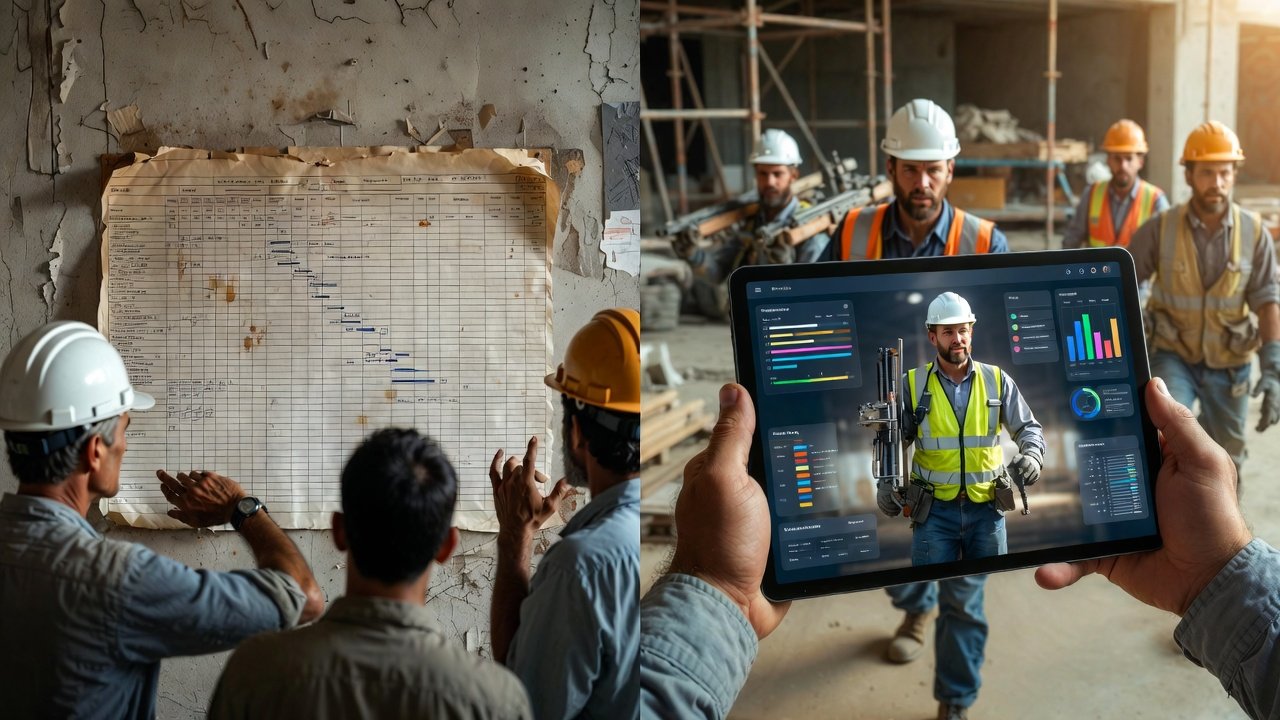
Most look-ahead software gets bought the same way: somebody in the office sees a slick demo, a corporate license shows up, and six weeks later the superintendents are back to a whiteboard and a group text because the tool got in the way instead of out of it. I've watched that cycle three or four times over the years. The problem is rarely the software's feature list. It's that nobody asked the one question that matters — will the guy running the wall actually open this thing on a Friday afternoon to plan next week?
So before you compare vendors, let's flip the usual order. The goal isn't the "best" tool. It's the tool your crews will still be using in month four. Everything below is aimed at that.
First, be honest about how you plan today
You can't pick a tool for a process you haven't defined. Before you look at a single demo, write down — plainly — how your weekly planning actually happens right now. Not how it's supposed to happen. How it really does.
Ask yourself:
- Who builds the three- or six-week look-ahead, and when? Is it the super on Thursday night, or a scheduler in the office who's never set foot on the deck?
- How do the subs find out what's expected of them next week — a printed sheet at the OAC, a phone call, or nothing until they show up?
- What happens to work that didn't get done? Does it silently roll forward, or does somebody actually ask why?
- Where do constraints live? RFIs, missing material, an inspection that hasn't cleared — is that tracked anywhere, or is it all in one person's head?
If your honest answer is "it's mostly in my head and a marked-up bar chart," that's fine — most jobs run that way. But it tells you something important: you don't need the most sophisticated Last Planner engine on the market. You need something dead simple that gets the picture out of your head and in front of the trades. Buying a heavy, configurable enterprise platform for a team that's never run a formal weekly work plan is how tools die on the shelf.
The features that actually earn their keep
Vendor feature lists all blur together. Here's what separates a tool you'll live in from one you'll abandon, ranked by how much it matters on a real job.
You can build a week's plan faster than you could by hand
This is the whole game. If entering next week's work takes longer than sketching it on paper, adoption is dead before it starts. When you demo anything, don't watch the vendor build a schedule — ask them to hand you the mouse and build one yourself, cold, while they time it. If laying out a week of drywall, MEP rough-in, and inspections takes you more than fifteen or twenty minutes on your first try, that's your answer. Location-based, visual planning — where you drag work onto a zone and a week rather than filling out a form for every activity — is what makes this fast. A tool built around that idea (LookAheadWall works this way) will beat a spreadsheet-with-extra-steps every time.
The field can actually see it
A weekly work plan the crews can't reach is just a report for the office. Your foremen live on their phones, standing in a stairwell with one bar of signal and gloves on. The mobile experience isn't a nice-to-have — for field adoption it's the entire thing. Test it the way it'll really get used: pull it up on a phone, outside, in the sun, with the screen a little dirty. Can a crew leader see what his crew is doing this week in under ten seconds without pinching and zooming? If not, walk away, no matter how good the desktop side looks. Plenty of tools bolt on a mobile app as an afterthought; you can feel the difference in about thirty seconds.
Trade sequencing is visible, not implied
The reason we plan short-interval in the first place is handoffs. Framing has to clear before rough-in, rough-in before inspection, inspection before insulation and board. A good tool lets you see those trade flows — the sequence of who follows whom through a space — so you can spot the collision before it happens on the deck. If the software just shows you a pile of independent tasks with no way to express "this can't start until that finishes in this area," it's not a look-ahead tool, it's a to-do list. You'll still be the one holding the sequence in your head, which defeats the purpose.
Constraints have a home and an owner
The activities that blow up your week are almost never a surprise in hindsight — the material was on a boat, the RFI was open, the inspector hadn't signed off. The value of tracking constraints is that it forces the question a week early, while you can still do something. You don't need an elaborate constraint module. You need somewhere obvious to flag "this is at risk and here's why," so that when you look at next week you're looking at commitments you can actually keep, not a wish list.
Rolling the week forward is one motion, not a rebuild
Every week you advance the horizon: this week becomes last week, incomplete work carries or gets a hard question, and a fresh week appears at the far end. If that weekly rollover is painful, you'll skip it, and a look-ahead you don't update is worse than no look-ahead because it lies to people. Make the vendor show you the Friday-afternoon update — carrying over the two activities that slipped, closing out what got done, pulling in the new week — and time that too.
Features that sound great and rarely get used
Demos love to dwell on the deep end of the pool. Be skeptical. PPC dashboards, variance analytics, portfolio-level resource leveling, and full Last Planner commitment tracking are genuinely powerful — for a team that has already been running clean weekly work plans for a year and wants to measure and tighten. For a crew getting started, they're noise. Worse, they're often the reason the interface feels heavy and slow. If a tool's core planning screen is cluttered with analytics nobody on your team is ready to act on, that complexity has a cost every single day, and the payoff is theoretical.
Buy the sophistication you'll grow into, sure — but don't pay for it in daily friction now. A tool you can grow with should let those advanced features stay out of the way until you reach for them.
Integration: be realistic about what you actually need
Integration questions eat a lot of evaluation time and most of it doesn't matter. Here's the honest breakdown.
The one that counts is the link to your master schedule. Your look-ahead is the short-interval, pull-planned detail underneath the CPM master in Primavera or MS Project. It doesn't need a live two-way sync — those are fragile and rarely used well. What it needs is a sane way to keep the look-ahead honest against master milestones, so your six-week plan doesn't quietly drift three weeks off the contract dates without anyone noticing.
Accounting and cost integration sounds important in the sales meeting and is almost never used by the people running weekly planning. Don't let it drive your decision. Document management — getting to the current drawings and specs — matters more day to day, but a link out to wherever your drawings already live is usually plenty; you don't need it rebuilt inside the scheduling tool. And an API is worth having in your back pocket, but if a vendor's answer to a basic workflow question is "you can build that with the API," read it as a missing feature, not a solution.
How to run the evaluation so you don't get fooled
A polished demo is designed to hide exactly the friction you care about. Structure the trial to expose it.
- Test with a real, ugly week. Not the clean sample project. Take an actual messy week off your current job — the one with the inspection that slipped, the sub who's short-handed, the area you can't access because another trade overran — and build it in each tool you're seriously considering.
- Put it in a foreman's hands, not just the PM's. The people who kill adoption are the field leads who find it clunky. Hand a crew leader a phone with the trial on it and watch him try to find his crew's work for tomorrow. Say nothing. Where he gets stuck is your data.
- Do a real Friday rollover. Live with it for two or three weeks through actual weekly updates. The tool that dazzles in a thirty-minute demo often grinds by the third real update, when you're tired and just want next week planned.
- Ask a reference the sharp question. Not "do you like it" — ask "what percentage of your field leads open it in a given week, and what did you have to do to get there?" The gap between licenses sold and people who actually log in is the number vendors never volunteer.
Pricing: watch the subcontractor trap
You'll see per-user, per-project, and flat-rate models. The mechanics matter less than one specific gotcha: per-user pricing quietly punishes the thing that makes a look-ahead valuable in the first place — getting your subs into it. The whole point is shared visibility with the trades, and if every foreman from every sub is another seat on the invoice, you'll ration access and undercut the tool's core benefit. Before you sign anything, get a straight answer on what it costs to give ten or fifteen subcontractor foremen view or contribute access. A flat-rate or generous-seat model usually wins here, and total cost over three years — including the onboarding time you'll spend, not just the license — is the number to compare, not the sticker per month.
The mistakes I've watched teams make
A few patterns show up over and over:
- Buying for the most features instead of the best fit. The tool that wins the feature-checklist comparison is frequently the one that's too heavy for the crew to actually adopt. More capability is not more value if it adds daily friction.
- Letting the office choose alone. When IT or a corporate scheduler picks the tool with zero input from the supers who'll run it, you get a tool that's great for reporting up and miserable for planning down. The field walks, and the whole thing collapses.
- Skipping the real trial. Deciding off demos because the trial felt like work. That saved week costs you a dead rollout.
- Treating go-live as the finish line. The tool doesn't create the discipline; it supports it. If you weren't running honest weekly work plans and asking why work slipped before the software showed up, the software won't start doing it for you.
Making the call
When you've narrowed it down, resist the urge to over-engineer the decision with a giant weighted scoring matrix. By the time you've built a couple of real weeks in two or three tools and put them in front of your field leads, you already know. The honest test is simple: which one would your best superintendent grumble the least about opening every Friday? Trust that. Adoption follows the tool that respects the field's time, and a look-ahead only works if it gets used.
Pick the one that makes planning next week faster than doing it by hand, that your foremen can actually read on a phone in a stairwell, and that shows the trade sequence instead of hiding it. Get that right and short-interval planning becomes something your team leans on instead of something the office nags them about. Get it wrong and you'll be buying the next tool in eight months. Choose for the field, not the demo.