
Every scheduling tool looks great in the demo. A polished sales engineer builds a picture-perfect three-week look-ahead in ten minutes, drags a few bars around, and everyone in the trailer nods. Then you buy it, roll it out, and six weeks later half your foremen are still texting you their manpower for the day and the "single source of truth" is a whiteboard by the gang box. That gap between how software is sold and how crews actually use it is where most implementations quietly die.
I've run enough jobs to know the demo is not the job. So let's skip the brochure version. Here's how scheduling software really gets used on an active site, what field crews reach for, what they ignore, and how to set it up so it survives contact with a muddy Tuesday.
The Morning Reality: Fast, Visual, or Forgotten
A superintendent's first fifteen minutes set the tone for the day. Nobody is going to sit at a laptop and scroll through a Gantt chart at 6:15 a.m. with a coffee getting cold and three subs waiting for a call on where to stage material. If checking the schedule takes more than about thirty seconds, it won't happen consistently.
What works is a look-ahead you can read at a glance: today's crews, today's locations, today's constraints. Location-based plans win here because a super thinks in areas, not activity IDs. "North tower, levels 3 through 5, drywall hanging; level 2, tapers behind them; level 1, electricians on trim" is how the day actually lives in your head. A tool that mirrors that mental model gets opened. A tool that makes you translate your job into its data structure gets abandoned.
The practical test: can your foreman pull up his area on a phone, in the field, standing in the stairwell, and know what he's supposed to be doing and who's in front of him and behind him? If yes, you have a shot at adoption. If he has to go find you to know his own day, the software is furniture.
The Huddle Is Where Adoption Is Won or Lost
The morning huddle is the single most important moment for any scheduling system. If the plan on the screen is the plan everyone talks around, the software becomes the center of gravity for the whole crew. If the huddle happens off a printout or somebody's memory while the app sits unopened, you've already lost.
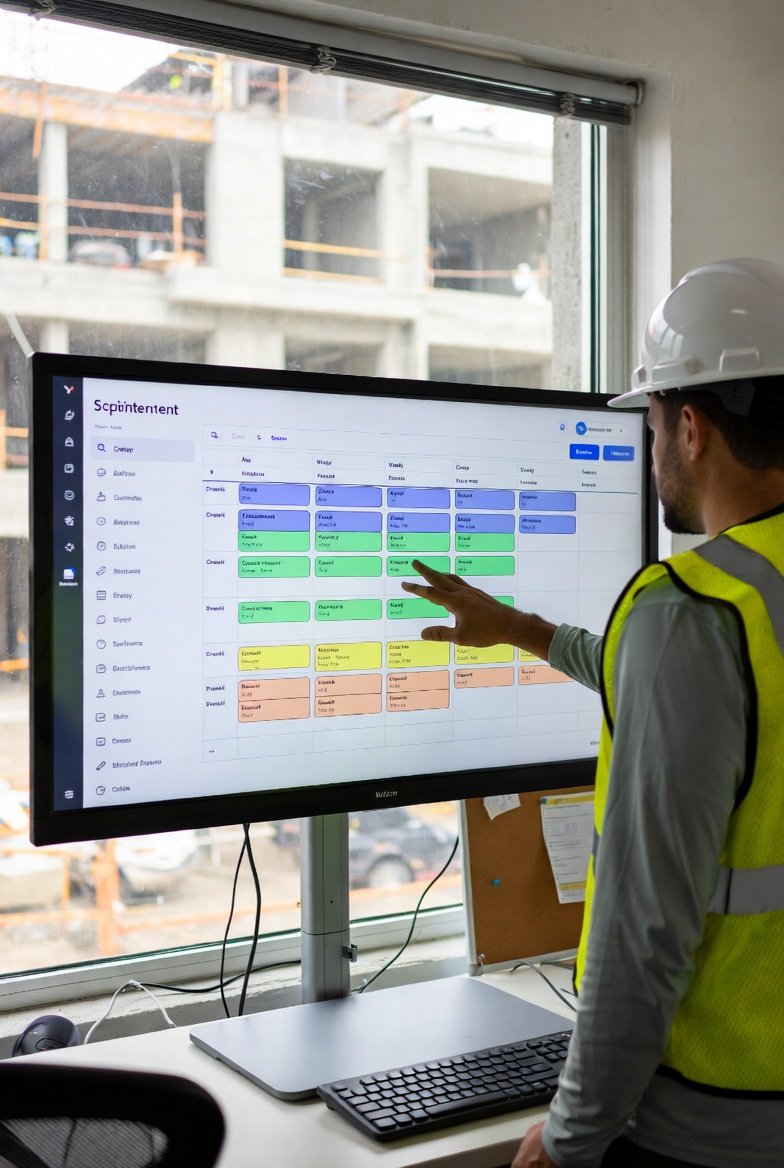
Run the look-ahead during the huddle, not before it. Put it on a tablet or a monitor in the trailer and walk the plan area by area. When a plumber says he's blocked because the slab isn't poured, mark that constraint live, right there, while everyone's watching. That does two things: it captures the commitment in the moment (before it evaporates by lunch), and it teaches the crew that the tool reflects reality, not some office fiction. People trust a schedule they watched get built and corrected in front of them.
The best short-interval scheduling I've seen treats the weekly work plan as a set of promises between trades, not a top-down decree. The huddle is where those promises get made and where yesterday's misses get owned. Software's job is to hold that conversation, not replace it.
Mobile in the Field, Desktop in the Trailer
There's a clean division of labor that shows up on every job that gets this right, and it's worth designing around instead of fighting:
- Phones and tablets are for reading and reacting. Foremen check their area, confirm they're on track, flag a problem, mark a task done. Short bursts, thumbs, one-handed, often with gloves on. Anything that requires precise typing in the field will not get done.
- Desktops are for planning and building. Sequencing next week's trade flows, resolving conflicts across areas, adjusting durations, pulling the reports the owner wants. That's a sit-down task, usually the super or the project engineer, usually after the day's dust settles.
A companion mobile app for crew leaders is not a nice-to-have here; it's the whole game for field adoption. If viewing the schedule requires a real computer, your foremen are cut out, and a schedule your foremen can't see is just a document for the owner. Tablets are the sweet spot for supers who want the big visual picture but also want to walk the deck with it. Keep the phone experience ruthlessly simple and let the heavy lifting live on the desktop.
Offline Isn't an Edge Case, It's Tuesday
Anyone who's worked a below-grade parking structure or the interior core of a mid-rise knows the cell signal disappears the second you leave the trailer. Treat connectivity as a luxury you won't have when you need it most. A tool that goes blank the moment the bars drop is useless exactly where the work is happening.
Whatever you use, confirm it lets a foreman load his plan while he's on wifi in the trailer and still read it two levels down in a dead zone, then sync his updates when he surfaces. And keep a paper fallback for the genuinely critical stuff — the day's crew assignments and the crane pick schedule printed and posted. Not because the software is bad, but because a superintendent who has never been burned by a dead battery or a spinning sync icon at the worst possible moment hasn't been supering long enough. Redundancy on the items that stop the job is just good practice.
Subcontractor Adoption Varies Wildly — Plan for It
Here's a hard truth: your subs will not all engage with your scheduling system the same way, and pretending otherwise will frustrate you. Adoption tracks almost perfectly with each trade's own maturity. Your mechanical and electrical foremen on a well-run job may live in the look-ahead. Your smaller specialty subs may never log in once.
The pattern I see repeatedly:
- Trade foremen engage far more than trade office staff. The person on the deck cares about sequence; the person in the office cares about the pay app.
- The GC usually ends up entering commitments on behalf of subs based on verbal input in the huddle. That's fine. Don't wait for a sub to log in — capture their promise while you have them in the room.
- The lever that moves adoption isn't a training webinar, it's the subcontract and the pre-con. If updating the weekly work plan is a stated expectation from day one, and you actually run every huddle off it, participation follows. If it's optional, it's over.
Meet trades where they are. A verbal commitment you record for them is worth ten logins you nagged them into.
Weekly Planning: Who Actually Touches the Software
The idealized workflow says every foreman updates his own commitments in real time. The real workflow, on most jobs, looks like this: the superintendent preps the rolling look-ahead before the weekly planning meeting, the foremen give input verbally in the room, and a coordinator or engineer enters the final plan afterward. That's not a failure of discipline — it's just how a room full of trade guys who'd rather be building actually operates.
Design for it. Make it painless for one skilled person to translate a fast-moving planning conversation into a clean weekly work plan. Make the commitments visible to everyone the next morning. Over time, as trades see the plan is real and gets referenced daily, more of them start touching it directly. Adoption is a ratchet, not a switch. You earn it week over week by proving the plan means something.
Features That Get Used vs. Features That Collect Dust
After enough rollouts you can predict which features survive:
- Core sequencing and the visual look-ahead get used hard. This is the reason to have the tool at all.
- Constraint and commitment tracking gets used when — and only when — leadership enforces it. The moment you stop asking "why did we miss this?" in the huddle, constraint logging dies within two weeks.
- Advanced analytics, custom reports, and elaborate dashboards are mostly ignored. Teams generate the one or two standard weekly reports the owner requires and export to Excel for anything special. That's not a knock on the software; it's just where field priorities land.
The lesson: pick a tool for how good its core planning experience is, not for the length of its feature list. The advanced module you paid extra for is probably the one nobody opens.
Communication: The Software Won't Replace the Phone
Do not expect scheduling software to become your crew's messaging platform. It won't, and you shouldn't want it to. Two things reliably go wrong:
Notification overload kills the tool. If every minor change fires an alert, people mute the app inside a week, and then they miss the one notification that mattered. Configure alerts for the handful of things that actually stop work — a blown constraint, a schedule change that affects tomorrow's crew size — and let everything else live silently in the plan.
And accept that texts and phone calls will run in parallel forever. A foreman is going to call you when the concrete truck is late; he's not going to open an app to log it. Let the software be the durable record of the plan and let the phone stay the channel for the urgent. Fighting that just makes you the guy nobody wants to update.
Data Entry: Where Good Systems Go to Die
Every adoption problem eventually traces back to data entry friction. Field staff have almost no time to input data, so realistically updates get batched at the end of the day, and quality varies with whoever's doing it. Three habits keep the plan honest:
- Make marking a task complete a one-tap action. Not a form. Not three screens. One tap.
- Build a five-minute end-of-day routine — foremen mark their area's progress before they leave. Short, consistent, non-negotiable.
- Have the super do a fast sanity pass each afternoon. Bad data is worse than no data, because people stop trusting the whole system after one wrong plan burns them.
What Actually Drives Adoption
Strip away everything else and three factors decide whether a scheduling tool sticks:
Leadership uses it visibly. When the super runs every huddle off the look-ahead and expects the plan to be current, it becomes current. When leadership treats it as optional, so does everyone else. This is the single biggest predictor, full stop.
It's simple enough to use with dirty hands. Simple features get used; complex ones get abandoned no matter how clever they are. The tool has to fit the reality of a jobsite, not the reality of an office.
It obviously saves someone time or trouble. The first time a foreman avoids a stack-up because he saw the trade ahead of him was behind, he's a believer. Value has to be felt in the field, not explained in a meeting.
Measure real adoption the honest way — look at login frequency and update timestamps to see who's actually engaging, not who sat through training. Then fix the friction for the people who aren't.
The Bottom Line
The way crews actually use scheduling software rarely matches the tidy picture from the demo, and that's fine. Real use is mobile-first in the field, desktop-driven in the trailer, uneven across trades, and stitched together with the occasional whiteboard and printout. A tool like LookAheadWall earns its place by fitting that reality — a fast visual look-ahead your foremen can read on a phone, trade flows that map to how the work actually sequences, and a weekly work plan the whole team can see the next morning.
Don't chase the theoretical ideal. Watch how your people actually work, remove the friction one piece at a time, and let the plan prove itself in the huddle. Meet your teams where they are, and the adoption takes care of itself.