
The Schedule Lives Where the Work Doesn't
Here's a scene that plays out on jobsites every single morning. The superintendent prints the week's look-ahead on Sunday night, tapes a copy to the trailer wall, and hands stacks to the foremen at the 6:45 huddle. By 9 a.m. the drywall sub has found a hard ceiling that isn't ready, the concrete finisher is a half-day ahead of where anyone expected, and the electrician just got a call that his gear won't ship until Thursday. The paper on the trailer wall is now fiction. Nobody standing on the deck knows it, because the only accurate version of the plan is trapped on a desktop in an air-conditioned office two hundred feet away.
That gap — between where the schedule lives and where the work happens — is the whole problem. A look-ahead schedule is only worth something at the moment a decision gets made, and decisions don't get made at a desk. They get made on a scaffold, in a trench, at the loading dock, in the hallway when two foremen cross paths. If your crew can't see the current plan at those exact moments, they're either guessing or walking back to the trailer to find out. Both cost you.
Where Decisions Actually Get Made
Think about the physical reality of a foreman's day. He's on a ladder, in a lift, threading through a stud wall, or babysitting a crane pick. When a question comes up — is that area released? did the inspection pass? is the plumber out of my way yet? — he has to answer it right there or lose momentum. Nobody climbs down, walks to the office, boots a computer, logs in, and clicks around a Gantt chart. It doesn't happen. So instead he makes a call with stale information, or he sends his crew somewhere and hopes.
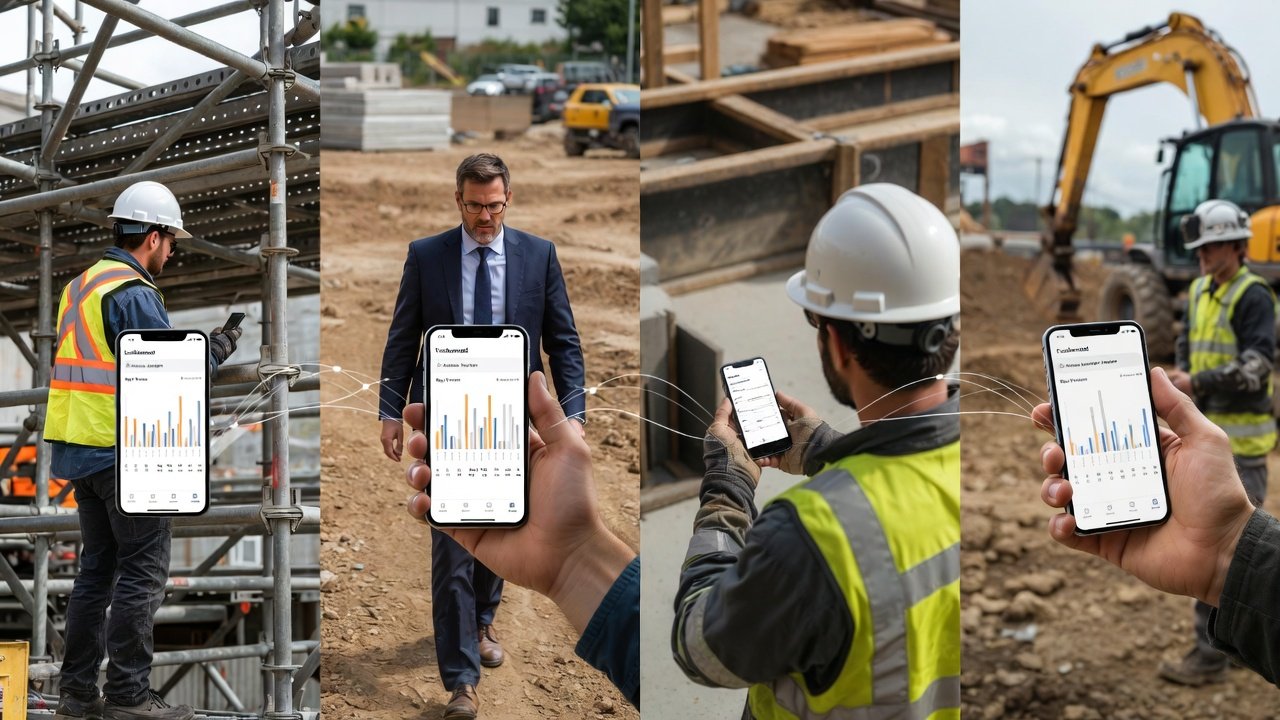
A phone in that same hand changes the math. The foreman pulls up this week's plan, sees the area is still red because the fire caulk inspection is scheduled for 1 p.m., and moves his three guys to the west wing instead of standing them down. That's ten minutes of paid idle time avoided, times however many crews, times every day of the job. It's not glamorous. It's just the difference between a crew that stays busy and one that mills around waiting to be told what to do.
The same is true up the chain. A super doing his morning walk notices form stripping is running ahead. He wants to see immediately what that pulls forward — does the MEP rough-in crew need to be here a day early, does he need to call the inspector now to lock a slot? If he has to hold that thought until he's back at the desk, half the time it evaporates or the window closes. Checking a rolling three- or four-week look-ahead from his pocket, on the spot, is what turns a passing observation into an actual schedule move.
Fresh Beats Accurate
People obsess over whether the schedule is right. On a live job, what matters more is whether it's current. A perfect plan that's six hours old has already lied to somebody. The value of schedule information decays fast — by the afternoon, a morning plan has usually been overtaken by a delivery slip, a failed inspection, a sub who no-showed, or a change that came down from the GC.
This is where mobile earns its keep, and it's the one advantage paper can never match. When the super updates the sequence after the 10 a.m. coordination meeting, everyone carrying the plan sees the new version the next time they open it. No reprinting, no re-taping, no "which copy is the good one" confusion. Just as important, the field can push information up: a foreman marks his ceiling grid complete from the lift the minute it's done, so the insulation crew behind him knows the wall's ready without a phone tag chain. Short-interval scheduling only works if the interval is actually short, and you can't keep a weekly work plan honest if updates travel at the speed of a printer.
Coordination Stops Being a Meeting and Becomes a Habit
The best thing mobile access does is something that doesn't show up on any feature list: it lets coordination happen in the cracks of the day instead of only in scheduled meetings.
Two foremen pass in a corridor. The electrician mentions he's got homeruns to pull in Room 214 next week. The plumber says he's got overhead in that same room. Ten years ago that conversation ends with a shrug and a collision three weeks later. With the plan on both phones, they stand there for ninety seconds, look at the same area on the same look-ahead, and agree the plumber goes first Monday and Tuesday, electrician follows Wednesday. Conflict solved before it existed, no RFI, no rework, no super refereeing. That kind of informal, in-the-moment trade-flow coordination is worth more than most formal meetings, and it only happens when everyone's looking at the same live picture.
You get the same effect on the bad news. A supplier calls a foreman to say the storefront glazing slipped a week. Instead of relaying vague worry, the foreman opens the plan on the call, sees exactly which activities that delay dominoes into, and tells the super "this pushes the west elevation dry-in and the punch schedule behind it" — specific, actionable, with a fix already half-formed. And when an area goes down unexpectedly, a crew can be redirected to the next available work in the sequence right then, instead of after somebody makes the walk back to the office to figure out where else there's a face to work on.
Reaching the People Who Never Sit at a Desk
Here's the uncomfortable truth about desktop-only scheduling: it quietly makes coordination a privilege of the office. The people who most need the plan — trade foremen, small subs, the crew leaders actually placing work — are the ones least likely to be near a computer.
- Trade foremen spend the day on ladders, in crawlspaces, and on roofs. If the plan only lives on a desktop, they effectively don't have it.
- Small subs often run lean — a two-truck outfit isn't logging into a project portal from a laptop every morning. A phone is the office they have.
- Travelling supers covering two or three jobs are never in one trailer long enough for a desktop to be their source of truth.
Mobile access is what puts the same weekly work plan in every one of those hands. That's not a convenience — it's the thing that makes the plan a shared reference for the whole team instead of a document a handful of office-bound people maintain and everyone else guesses at.
It Has to Work When the Signal Doesn't
Jobsites eat cell signal. Below grade, deep in a core, behind a few thousand square feet of metal deck and rebar, you get one bar or none. Any field tool that goes blank the moment connectivity drops isn't a field tool. Two things separate real mobile scheduling from a mobile-shaped website:
- The plan is readable offline. The look-ahead a foreman loaded in the trailer where there was Wi-Fi should still be there when he's in the basement mechanical room with no signal. Cached data, not a spinning wheel.
- Updates queue and sync later. If he marks progress or drops a note underground, it holds and posts itself the moment he walks back into coverage. Nothing gets lost because the network blinked.
Good apps also make it obvious when you're looking at cached versus live data, so nobody bets a crew move on yesterday's picture thinking it's today's.
What to Actually Look For When You Evaluate a Tool
"Has a mobile app" and "is genuinely usable in the field" are two different claims. When you're comparing look-ahead scheduling software, get past the checkbox and test the reality:
- Feature parity, not a viewer. Can a foreman do the things that matter — check his area, mark progress, read the sequence for next week — or is the mobile version a read-only window that shoves you back to a desktop for anything real? A crippled companion app trains people to ignore it.
- Built for field conditions. Can you read it in direct sun? Tap it with a gloved thumb or a screen that's got drywall dust on it? Field ergonomics are not a nicety when the alternative is not using it.
- Both platforms. Your crews carry iPhones and Androids. Support one and you've excluded a third of the people who need it.
- Sane login. Face ID or fingerprint beats making a guy type a password with work gloves on. Convenience here is the difference between daily use and abandonment.
This is the exact bar we built the LookAheadWall companion app to clear — a crew leader opens it, sees the current weekly plan for his area, and works from it without needing a laptop or a printout. But whatever tool you land on, hold it to that standard. The plan is only as good as the field's ability to see it.
A Few Notes on Rolling It Out
The tool is the easy part; getting people to actually use it is where jobs stall. A couple of hard-won pointers:
- Train in the field, not the conference room. Walk a foreman through the app standing where he'll use it — on the deck, next to the work — not in a nice chair with good lighting. What feels obvious in the trailer feels different in a lift.
- Sort out the device question up front. Most guys have a personal phone and are fine using it; some crews expect company devices, and some want a data stipend if you're asking them to run work apps on their own plan. Decide before rollout, not after the grumbling starts.
- Make support reachable. The first time a foreman can't log in and can't get help fast, he's back to paper and hard to win back. Early adoption is fragile — protect it.
The Bottom Line
A look-ahead schedule earns its keep in the moments a real decision hangs on it — and those moments happen on the deck, in the lift, at the dock, in the hallway, never at a desk. A plan that can't travel to those moments isn't a planning tool; it's a report. Putting the current weekly work plan in every foreman's pocket is what turns coordination from a thing that happens twice a week in a meeting into something that happens continuously, in the cracks of the day, exactly where the work is. That's not a feature you bolt on. On a modern jobsite, it's the whole point.