
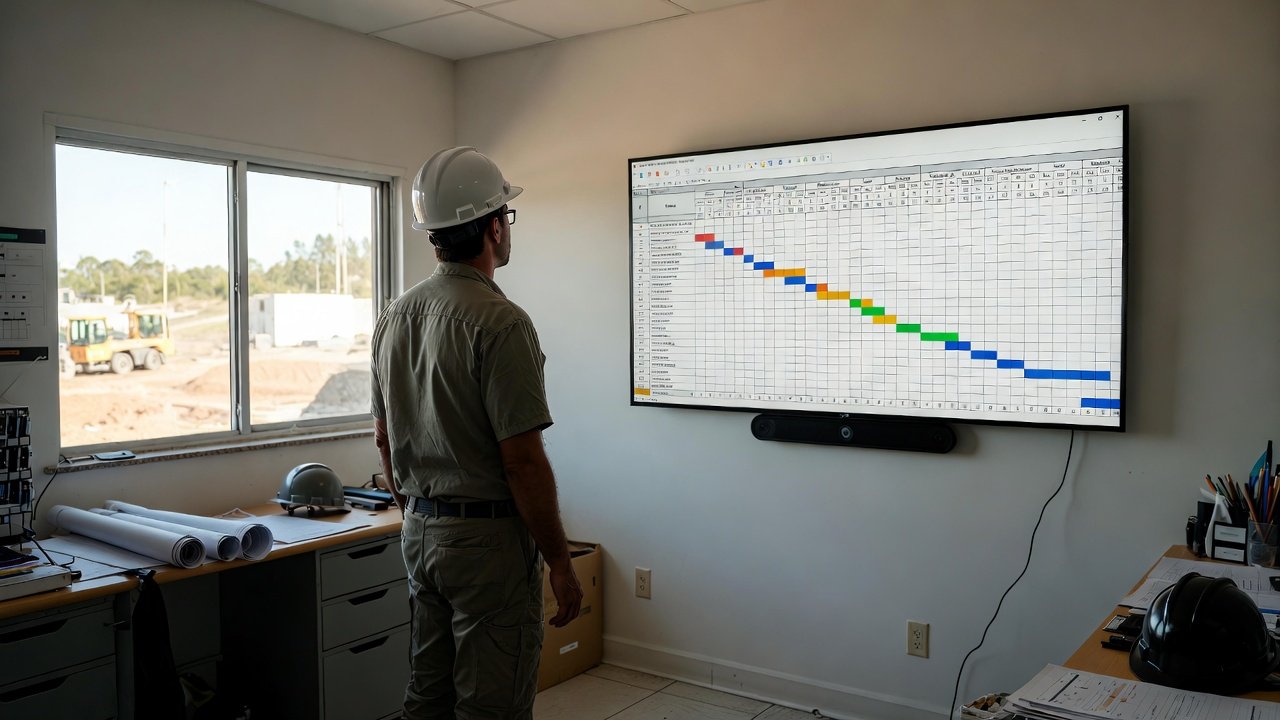
Understanding the Three-Week Lookahead
The three-week lookahead schedule is one of the most powerful tools in a construction manager's arsenal. Unlike master schedules that span months or years, or daily task lists that focus only on today, the three-week lookahead hits the sweet spot—it's detailed enough to drive daily work while providing enough visibility to coordinate upcoming activities. When implemented properly in construction scheduling software, this approach transforms how teams plan and execute work.
The concept is simple: maintain a rolling three-week window of detailed, actionable schedule information. As each week passes, you add another week to the end, always keeping three weeks of work visible. This approach has been proven effective across thousands of construction projects because it balances the need for detail with the reality that schedules change. Construction management software makes maintaining this rolling window effortless.
Why Three Weeks? The Magic Number
Why not two weeks, or four, or six? The three-week window has proven optimal for several reasons:
Week One: Execution
The first week of your lookahead is essentially locked. These activities have been coordinated, materials are on site, crews are scheduled. Your construction project management software shows exactly who's doing what each day. Changes in Week One should be rare and only due to unexpected circumstances.
Week Two: Confirmation
Week Two activities are nearly ready to execute. You're confirming material deliveries, verifying crew availability, and resolving any remaining questions. Your contractor scheduling software helps you identify potential issues before they become Week One problems.
Week Three: Planning
Week Three is where you're looking ahead, identifying what needs to happen to prepare for upcoming work. Materials need to be ordered, inspections scheduled, and trade sequences confirmed. This forward visibility is what makes the three-week approach so effective.
Setting Up Your Lookahead in Construction Scheduling Software
The best construction scheduling software is designed around the lookahead concept. Here's how to set up an effective three-week lookahead:
Step 1: Define Your Start Date
Your lookahead should start on the current week's Monday (or whatever day your work week begins). This keeps the schedule aligned with how people think about their week. In your construction scheduling software, set the lookahead start date and specify a three-week duration.
Step 2: Create Activity Rows
Activity rows organize your schedule vertically. Common approaches include:
- By Trade: Electrical, Plumbing, HVAC, Framing, etc.
- By Location: Building A, Building B, Floor 1, Floor 2
- By Work Type: Rough-In, Inspections, Finishes
Your construction management software should allow you to customize these rows to match how your team thinks about the work.
Step 3: Populate with Labels
Labels are individual work items placed on the schedule grid. Each label represents a specific activity, assigned to a specific trade, spanning specific days. Effective labels in construction project management software include:
- Clear work descriptions ("Rough Electrical - Kitchen")
- Assigned company (color-coded for visual identification)
- Duration (number of days)
- Any dependencies or special notes
Step 4: Connect Dependencies
Many activities depend on others completing first. Your contractor scheduling software should allow you to connect these activities, creating trade flows that move together when dates change. This is where the lookahead becomes truly powerful—one adjustment cascades appropriately through connected work.
The Weekly Lookahead Process
Maintaining an effective three-week lookahead requires a consistent weekly rhythm. Here's the process that successful construction managers follow:
Monday: Review and Adjust
Start each week by reviewing your construction scheduling software. Compare what was planned for last week versus what actually happened. Update any activities that didn't complete as scheduled. This honest assessment keeps your lookahead accurate.
Tuesday-Wednesday: Coordination
Hold your weekly coordination meeting. Use your construction management software as the visual centerpiece. Walk through the coming three weeks with all relevant trades. Identify conflicts, resolve questions, and get commitments.
Thursday: Extend the Window
As you roll forward, add the new Week Three activities. What work needs to be scheduled three weeks out? What materials need to be ordered to support that work? Your construction project management software helps you see the dependencies and plan accordingly.
Friday: Distribute and Confirm
Ensure all subcontractors have access to the updated schedule. The best construction scheduling software makes this automatic—changes sync to everyone's view. But it's still worth confirming that key trades acknowledge upcoming work.
Benefits of the Three-Week Lookahead
When properly maintained in construction scheduling software, the three-week lookahead delivers significant benefits:
Reduced Surprises
With three weeks of visibility, there's no excuse for "I didn't know that was coming." Every trade can see what's ahead and prepare accordingly. The contractor scheduling software eliminates information gaps that cause delays.
Better Material Coordination
Knowing what's happening three weeks out gives you time to verify material deliveries. If something is delayed, you have time to adjust the schedule or find alternative sources. Construction management software often integrates with procurement tracking for even better visibility.
Improved Subcontractor Performance
When subcontractors can see their upcoming work three weeks ahead, they can staff appropriately. No more "I didn't have enough guys because I didn't know we'd need them." The transparency of construction project management software creates accountability.
Faster Problem Resolution
Issues identified three weeks out are much easier to resolve than those discovered the day before. Your construction scheduling software gives you time to find solutions without impacting the schedule.
Common Lookahead Mistakes
Even with excellent best construction scheduling software, teams make mistakes that undermine lookahead effectiveness:
Mistake 1: Too Much Detail
Trying to schedule every minor task creates noise that obscures important activities. Focus your lookahead on coordination-level activities—the work that requires multiple trades to align or has significant schedule impact.
Mistake 2: Infrequent Updates
A lookahead updated monthly isn't a lookahead—it's a wishful guess. Your contractor scheduling software should be updated at least weekly, and more often during fast-paced periods.
Mistake 3: Not Rolling Forward
If you don't add new Week Three activities, you're always planning only two weeks ahead (current Week Three becomes next week's Week Two). Maintain the discipline of looking three weeks out consistently.
Mistake 4: Ignoring Actual Performance
When Week One activities don't complete as planned, some managers just push them forward without analysis. Your construction management software should help you understand why activities slip, so you can prevent future problems.
Integration with Master Schedule
The three-week lookahead doesn't replace your master schedule—it works alongside it. The master schedule in your construction project management software shows the big picture: major milestones, phase completions, and overall project duration. The lookahead provides the execution detail that actually drives daily work.
Periodically compare your lookahead progress against master schedule milestones. If you're consistently falling behind at the lookahead level, those delays will eventually impact your milestone dates. Construction scheduling software should make these comparisons easy to perform.
Digital vs. Paper Lookaheads
Some teams still maintain lookaheads on paper or whiteboards. While this worked for decades, digital construction management software offers compelling advantages:
- Accessibility: Everyone can see the current schedule from anywhere, on any device
- Real-time updates: Changes sync immediately to all users
- Historical tracking: Every version is preserved for reference or dispute resolution
- Connected activities: Chain drag and dependency tracking automate complex rescheduling
- Reporting: Generate trade-specific or company-specific views instantly
The best construction scheduling software makes lookahead management so efficient that there's no justification for paper-based approaches on any project with more than a few subcontractors.
Getting Your Team on Board
Implementing a three-week lookahead process requires buy-in from your entire team. Here's how to get everyone aligned:
For Superintendents
Show them how contractor scheduling software reduces phone calls and eliminates the chaos of ad-hoc coordination. The lookahead becomes their trusted tool for running the site efficiently.
For Subcontractors
Demonstrate how advance visibility helps them staff projects appropriately. When they can see work three weeks out, they can plan their crews across multiple projects without conflicts.
For Project Managers
Highlight how construction project management software with proper lookahead discipline reduces risk and improves predictability. Better lookahead management means fewer surprises and happier clients.
Conclusion
The three-week lookahead schedule is a proven approach that balances detail with flexibility. When implemented in modern construction scheduling software, it transforms coordination from a daily struggle into a manageable, predictable process.
Start by setting up your lookahead correctly: appropriate activity rows, clear labels, connected dependencies. Maintain the weekly rhythm of review, coordination, extension, and distribution. Avoid common mistakes like over-detailing or infrequent updates. Your construction management software will become the hub around which your entire project team operates.
The three-week lookahead isn't just a scheduling technique—it's a communication framework that keeps everyone aligned and accountable. Embrace it fully, and watch your project execution improve dramatically.