
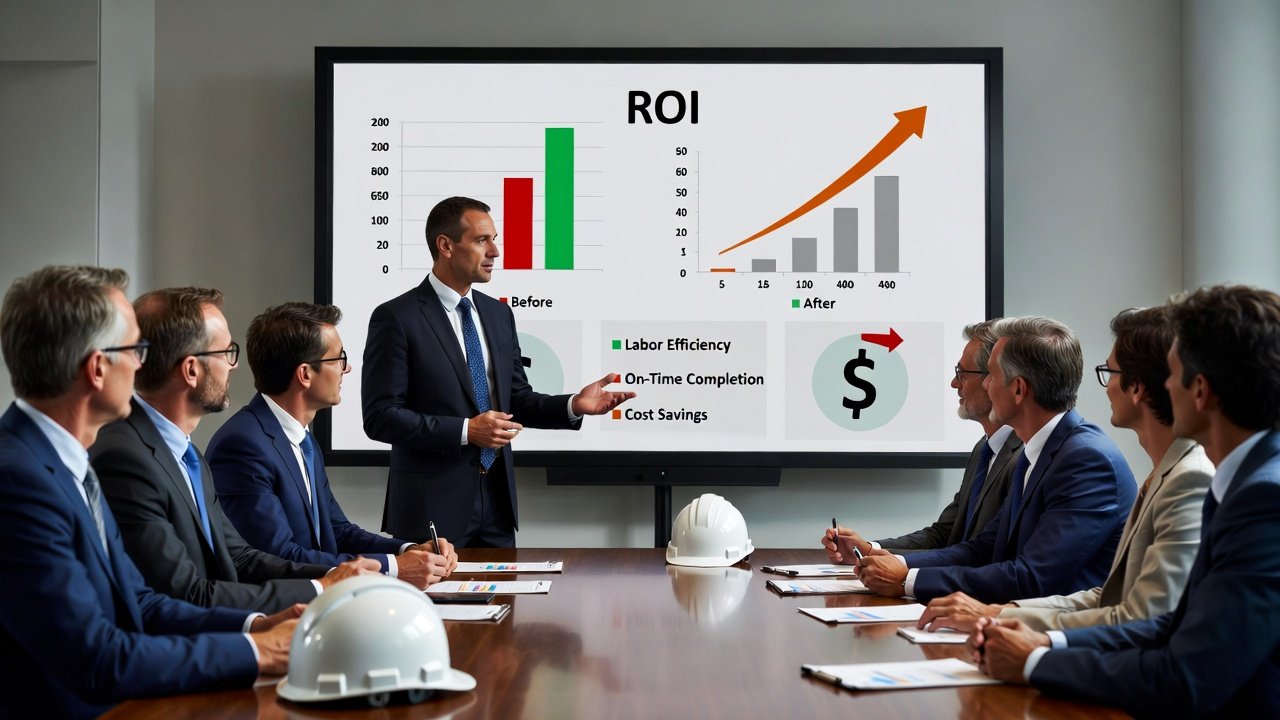
If you've decided your team needs better short-interval scheduling, congratulations — that was the easy part. The hard part is walking into an office where the owner still runs the company off a wall calendar and a gut feeling, and convincing them to spend money on software when "we've always gotten the job done." I've had that conversation. It doesn't get won with a feature list. It gets won with numbers they already believe, tied to pain they've already felt.
This is a guide to building that case. Not the vendor's pitch — yours. The one you take to a principal or a CFO who doesn't care about Gantt charts and does care about whether the last three jobs made money.
Start with what poor planning already costs you
The mistake most people make is leading with the software's benefits. Lead instead with the money you're already bleeding, because that number is real and it's on your own jobs. The reason nobody sees it is that it's smeared across a dozen line items and blamed on weather, subs, and bad luck.
Walk your last completed project and count the days your crews were on the clock but couldn't actually produce. The framers who showed up Monday to a slab that wasn't ready. The electricians who roughed in half a wall and stopped because the plumber hadn't set his stub-outs. The drywall crew that stood around for two hours because nobody ordered enough board and the yard was closed by the time anyone noticed. None of that shows up as a line called "poor planning." It shows up as overtime to catch back up, as a change order you ate, as a sub who padded his next bid because he got burned on yours.
Here's the honest way to size it. Pick your loaded labor rate — say a crew of ten at a fully burdened $55/hour is $550 an hour, roughly $4,400 a day. If that crew loses even half a day a week to work that wasn't ready — a conservative estimate on most jobs I've run — that's $2,200 a week, and over a nine-month job you're past $75,000 on one crew. You don't need studies for this. You have timesheets and daily reports. Pull them.
The four buckets where the money actually is
When you build the case, group the savings into buckets a financial person recognizes. Vague "productivity gains" get waved off. Specific, defensible categories get funded.
1. Labor that's ready to work
This is the biggest bucket, and it's the one look-ahead scheduling directly attacks. A real weekly work plan doesn't just say "framing, level 3." It says framing can't start until the deck is poured and stripped, the material is on the floor, and the layout is signed off — and it forces you to confirm all three before you commit the crew. That's the whole point of a make-ready process: you clear the constraints in the two- to three-week window before the work, so when Monday comes, the crew builds instead of figuring out why they can't.
Don't promise the owner a 40% productivity jump — nobody believes it and you can't deliver it consistently. Promise the recovery of a specific, visible waste: the idle hours at the start of tasks. If your morning huddle currently burns 25 minutes sorting out what's actually ready, and a shared look-ahead cuts it to five, that's twenty minutes times your headcount times the number of work days. It's small per day and enormous per year, and it's a number the crew will confirm is real.
2. Delays you don't take
Extended general conditions is the cost nobody argues with. Your super's salary, the trailer, the dumpsters, the temp power, the rental lift — all of it keeps running whether you're producing or not. Put a real monthly number on your GCs for a typical job. On a mid-size commercial project it's easy to hit five figures a month, and on bigger work it's well into six. Every week you pull back off the finish date is a week of that you keep.
Look-ahead scheduling doesn't magically make work go faster. What it does is surface the constraint early enough to fix it cheap. The long-lead switchgear that's slipping, the inspection you need to book two weeks out, the sub who quietly told your foreman he's short-handed next month — those are the things that turn into a two-week slip when you find them the day you need them, and a non-event when you see them coming in the three-week window. That's the sale: not speed, but early warning.
3. Liquidated damages and the incentive on the other side
If your contracts carry LDs, this bucket sells itself. Read the number in the contract — hundreds to thousands a day is typical — and remind the decision-maker that a single avoided slip covers the software for years. If the contract has an early-completion bonus, it's the same math pointed the other way. Teams that run a disciplined make-ready process finish predictably, and predictable is what captures a bonus.
4. Material and procurement waste
Material ordered against a stale master schedule shows up at the wrong time. Either it's early and it sits in a conex getting damaged, walked off, or moved three times, or it's late and you're paying an expediting premium to rush it. When your buyouts and deliveries are driven by a rolling window that reflects what's actually happening on site, both problems shrink. This bucket is usually smaller than labor, but it's clean, easy to document, and finance loves it because it's hard dollars.
A worked example you can adapt
Numbers make it concrete. Take a contractor doing $10 million a year, with roughly $3 million of that in self-perform labor. Keep every assumption conservative on purpose — you want the case to survive a skeptic cutting your estimates in half.
- Labor readiness: a 4% productivity recovery on $3M in labor — modest, and mostly from cutting idle start-of-task time — is $120,000.
- Delay avoidance: pulling back one month of general conditions across the year's jobs, at a blended $80,000/month, is $80,000.
- Material handling and expediting: knocking out a handful of rush orders and reducing double-handling, call it $25,000.
That's $225,000 in defensible annual benefit. Purpose-built scheduling tools land somewhere in the low tens of thousands a year depending on seat count. Even if a skeptic slashes your benefit estimate by two-thirds, the payback still lands inside a single project. That asymmetry — big, soft-ish upside against a small, fixed, known cost — is the entire argument. You don't need to be right about the exact number. You need the downside case to still clear the bar.
Be honest about the costs, or you'll lose credibility
The fastest way to torpedo your own case is to present pure upside. Anyone who's bought software before knows the sticker price is the smallest part. Put the real costs on the table yourself, before finance finds them.
- Licensing is the obvious one, and it's usually the least of it. Match the tool to the actual job — don't buy an enterprise platform to run three concurrent projects.
- Setup and rollout time. Somebody has to build the first schedules, wire in the trade sequences, and get the subs looking at it. Budget real hours for this.
- The learning dip. Expect two to four weeks where the new process feels slower than the old whiteboard, because people are learning it while still doing their day jobs. Say so up front. When it happens, you predicted it instead of getting blindsided.
- Adoption risk. The tool only pays off if the field actually uses it. If your foremen won't open it, you bought a very expensive calendar. This is a change-management problem, and it's the one that actually kills implementations — plan for it explicitly.
What you're really comparing against
The honest comparison isn't software versus nothing. It's software versus what you do now, and "what you do now" has a cost you've just stopped noticing.
Most teams run their look-aheads in a spreadsheet or on a whiteboard. That works — I ran plenty of jobs that way. But a spreadsheet doesn't update when the field changes, doesn't travel to the sub who needs it, and doesn't force anyone to clear a constraint. Somebody spends hours every week keeping it current, and it's stale the moment they hit save. Count those hours; they're part of the status-quo cost.
Generic project tools like MS Project or a general work-management platform can hold a schedule, but they're built around a critical-path master plan, not the weekly, location-based, constraint-driven rhythm the field actually runs on. That gap is exactly why purpose-built look-ahead tools exist. A platform like LookAheadWall is built around the weekly work plan and the trade-flow sequence — the way work actually moves through a building, location by location — and it puts that plan in front of the subs instead of leaving it on the super's laptop. Where you land depends on how you work, but be clear-eyed that a construction-specific process usually wants a construction-specific tool.
Sell to each stakeholder in their own language
The same tool solves different problems for different people. Tailor the pitch:
- The owner or principal cares about margin and repeat work. Talk ROI, predictability, and winning better jobs because you deliver on time.
- The PM cares about not getting surprised. Talk about seeing constraints three weeks out and spending less time firefighting and rewriting the schedule.
- The superintendent cares about the field running clean. Talk about crews that show up to ready work and huddles that take five minutes.
- Finance cares about payback and risk. Give them the conservative model, the payback period, and the downside case.
- The subs care about manpower planning. Point out that a shared look-ahead lets them staff your job correctly, which shows up in tighter bids and fewer no-shows.
Reduce the risk with a pilot
Big asks get big scrutiny. Shrink the ask. Don't propose rolling the whole company over at once — propose one pilot project, ideally run by a super who's already frustrated with the current chaos and wants a better way. Set two or three metrics up front: how often crews start on ready work, how far ahead you're catching constraints, and your Percent Plan Complete — the share of the week's committed tasks that actually got done. PPC is the cleanest single number in this whole business. If it climbs on the pilot, you have proof, not a promise, and the company-wide case argues itself.
Have your answers ready for the pushback
You'll hear the same three objections, so have the answers loaded:
- "We've always managed fine." Maybe. But "fine" is measured against your own past, not against the firms bidding the same work who plan tighter and carry less contingency. What's the delay you've quietly accepted as normal actually costing?
- "The field won't use it." That's an implementation problem, not a reason to stay broken. It's real, and you solve it with training, a champion in the field, and starting small — not by declining to improve.
- "It's too expensive." Compared to what? One avoided slip on one job usually covers years of it. Put the license fee next to your monthly general conditions and let the numbers do the talking.
The bottom line
The case for investing in look-ahead scheduling software isn't complicated, and it isn't really about software. It's about whether disciplined short-interval planning pays for itself, and on any job with real labor and real general conditions, it does — through crews that build instead of wait, constraints caught early instead of on the day they bite, and materials that land when you need them.
Build the case with numbers off your own jobs, not a brochure. Be honest about the costs and the rollout pain. Start with a pilot that proves it cheap. Do that, and you're no longer asking the boss to gamble on a tool — you're showing them money that's already leaving the building every week, and a straightforward way to keep more of it. In an industry running on thin margins, that's an argument worth making.