
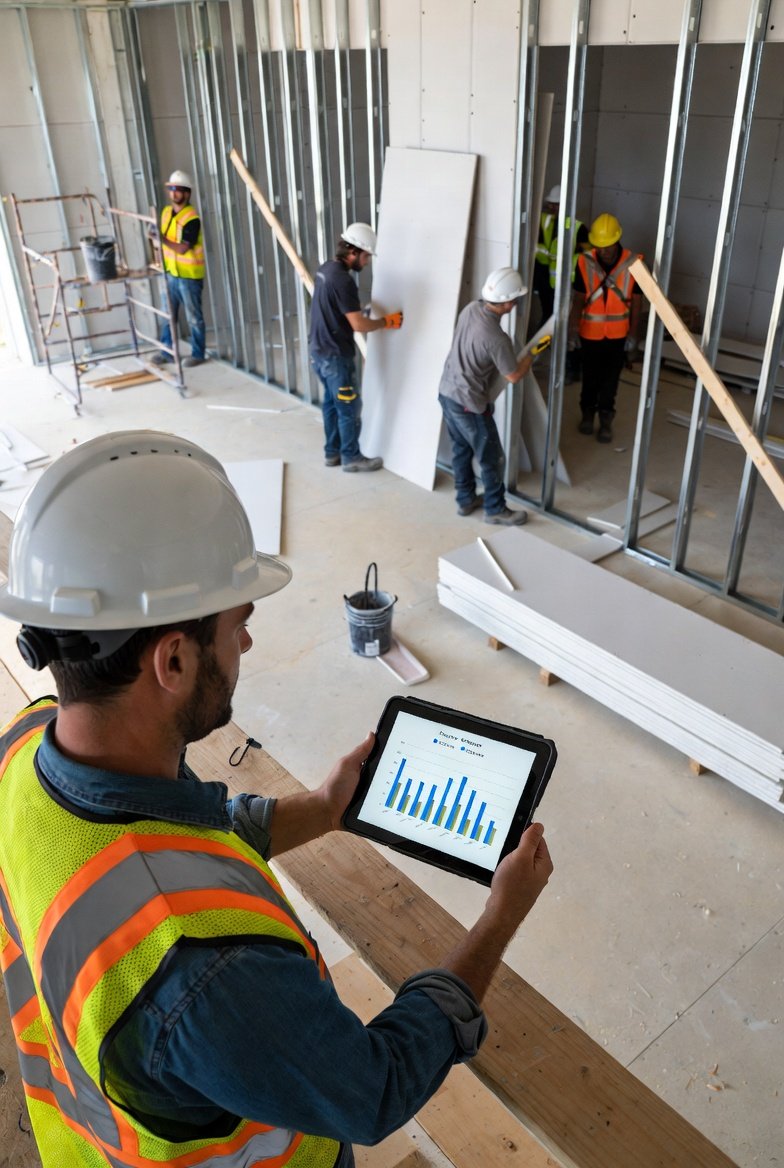
The Productivity Challenge in Construction
Every general contractor knows the frustration: you estimated a task at three days, but it took five. You're paying for labor hours that aren't translating into completed work. Yet most contractors fly blind when it comes to crew productivity—they know something is wrong but can't pinpoint what or where. Construction scheduling software changes this by providing the data foundation for meaningful productivity tracking and improvement.
Productivity tracking isn't about micromanaging workers or creating a surveillance culture. It's about understanding where time goes, identifying obstacles to efficient work, and making decisions based on data rather than gut feeling. When implemented correctly, construction management software with productivity tracking capabilities benefits everyone: workers get clearer expectations, supervisors get better information, and projects finish on time and budget.
What Productivity Tracking Actually Means
Before diving into methods, let's clarify what we're measuring. Crew productivity in construction project management software typically tracks:
Schedule Adherence
Are activities completing when planned? If your schedule says rough electrical takes two days, does it actually take two days? Contractor scheduling software makes it easy to compare planned versus actual durations.
Work Completion Rate
How much work is a crew completing per day or week? For repetitive work—like framing multiple units—the best construction scheduling software can track units completed over time.
Resource Efficiency
Are crews sized appropriately for the work? Too many workers in a small space waste labor. Too few extend durations. Construction scheduling software data helps optimize crew sizing.
Rework Frequency
How often does work need to be redone? Rework is pure productivity loss. Tracking it through construction management software helps identify training needs or process problems.
Setting Up Productivity Tracking
Effective productivity tracking in construction project management software requires proper setup:
Step 1: Establish Baseline Expectations
Before you can measure whether productivity is good or bad, you need benchmarks. What should tasks take based on historical data? If you've been using contractor scheduling software on previous projects, mine that data for realistic durations.
Step 2: Define Measurable Units
What exactly are you measuring? For some trades, it's square feet per day. For others, it's units completed. For some activities, it's simply days to completion. Your best construction scheduling software should accommodate various measurement approaches.
Step 3: Assign Crews to Activities
When crews are linked to specific activities in your construction scheduling software, you can track which crew performed which work. This enables crew-specific productivity analysis.
Step 4: Capture Actual Performance
Update your construction management software with actual completion dates and any notes about what affected performance. Was the crew waiting for materials? Was the area not ready? This context is essential for meaningful analysis.
Daily Tracking Practices
Productivity tracking requires consistent daily effort:
Morning Check-In
Verify which crews are on site and what they're working on. Your construction project management software shows what's scheduled; confirm it matches reality.
Progress Updates
Throughout the day, update progress in your contractor scheduling software. If a crew is falling behind or moving faster than expected, note it.
End-of-Day Documentation
Before leaving, document actual progress and any factors that affected productivity. Was there a safety incident? Did a delivery arrive late? This context helps explain the numbers later.
Analyzing Productivity Data
Data without analysis is just numbers. Here's how to derive insights from your best construction scheduling software:
Planned vs. Actual Comparison
The most basic analysis compares what was planned to what happened. If activities consistently take longer than scheduled, either estimates are wrong or productivity needs improvement. Construction scheduling software makes this comparison straightforward.
Trend Analysis
Is productivity improving, declining, or stable over time? Early project phases often have lower productivity as crews learn the site and processes. Productivity should improve as work becomes routine. Your construction management software tracks this over time.
Crew Comparison
If multiple crews do similar work, how do their productivity rates compare? This isn't about punishment—it's about understanding what makes some crews more effective and spreading those practices. Construction project management software enables this comparison.
Factor Analysis
What factors correlate with productivity variations? Weather? Day of week? Preceding activities completed or not? Look for patterns in your contractor scheduling software data that explain productivity differences.
Using Productivity Data for Improvement
The goal of tracking isn't just measurement—it's improvement:
Better Estimates
Use actual productivity data to improve future estimates. If your best construction scheduling software shows that rough plumbing consistently takes 25% longer than estimated, adjust your estimates accordingly.
Resource Optimization
Data might show that adding an extra worker to certain tasks doesn't increase productivity—too many people in too small a space. Or that certain activities are understaffed. Construction scheduling software data guides these decisions.
Obstacle Removal
Productivity data often reveals obstacles: waiting for materials, areas not ready, preceding work incomplete. Use your construction management software to identify and systematically remove these obstacles.
Training Investments
If certain crews or trades consistently underperform, training might help. Productivity tracking through construction project management software helps justify training investments with data.
Communicating About Productivity
How you discuss productivity matters as much as tracking it:
With Superintendents
Share contractor scheduling software data openly. Superintendents need to understand productivity patterns to manage their sites effectively. Make data accessible and actionable.
With Subcontractors
Productivity conversations with subs should focus on problem-solving, not blame. Use best construction scheduling software data to identify issues and work together on solutions.
With Workers
Be transparent about tracking and its purpose. Workers who understand that construction scheduling software helps identify obstacles—not just monitor them—are more likely to engage positively.
With Clients
Productivity data demonstrates professionalism and control. Showing clients that you track performance through construction management software builds confidence in your project management.
Technology Features for Productivity Tracking
Look for these features in your construction project management software:
- Time tracking integration: Link time records to schedule activities
- Crew assignment: Associate specific crews with specific work
- Variance reporting: Automatically highlight schedule variances
- Historical data access: Query past project performance
- Custom reports: Generate productivity-focused analyses
The best construction scheduling software makes productivity tracking a natural byproduct of schedule management, not an additional administrative burden.
Common Productivity Tracking Mistakes
Avoid these pitfalls:
Tracking Without Acting
Data is worthless if you don't use it. Collecting productivity information in your contractor scheduling software but never analyzing or acting on it wastes everyone's time.
Overcomplicating Metrics
Simple metrics consistently tracked beat complex metrics sporadically tracked. Start with basic schedule adherence in your construction scheduling software before adding sophisticated measures.
Ignoring Context
Numbers without context are misleading. A crew that's "behind" because they're waiting for materials isn't unproductive—they're blocked. Always capture context in your construction management software.
Using Data Punitively
If workers perceive productivity tracking as a tool for punishment, they'll game the system or resist it. Use construction project management software data for improvement, not punishment.
Productivity and Schedule Accuracy
Productivity tracking improves schedule accuracy over time:
Better productivity data → Better estimates → More realistic schedules → Improved planning → Fewer delays → Better outcomes
This virtuous cycle is powered by consistent use of contractor scheduling software for both scheduling and productivity tracking.
Conclusion
Crew productivity is too important to leave to guesswork. Construction scheduling software provides the data infrastructure for meaningful productivity tracking—but you must actively capture, analyze, and act on that data.
Start simple: track planned versus actual durations. Expand gradually to crew-level analysis, factor identification, and trend tracking. Use your construction management software data to improve estimates, optimize resources, and remove obstacles.
The contractors who master productivity tracking through their construction project management software deliver projects more predictably, more profitably, and with less stress. Make productivity tracking a core competency, and watch your project outcomes improve.