
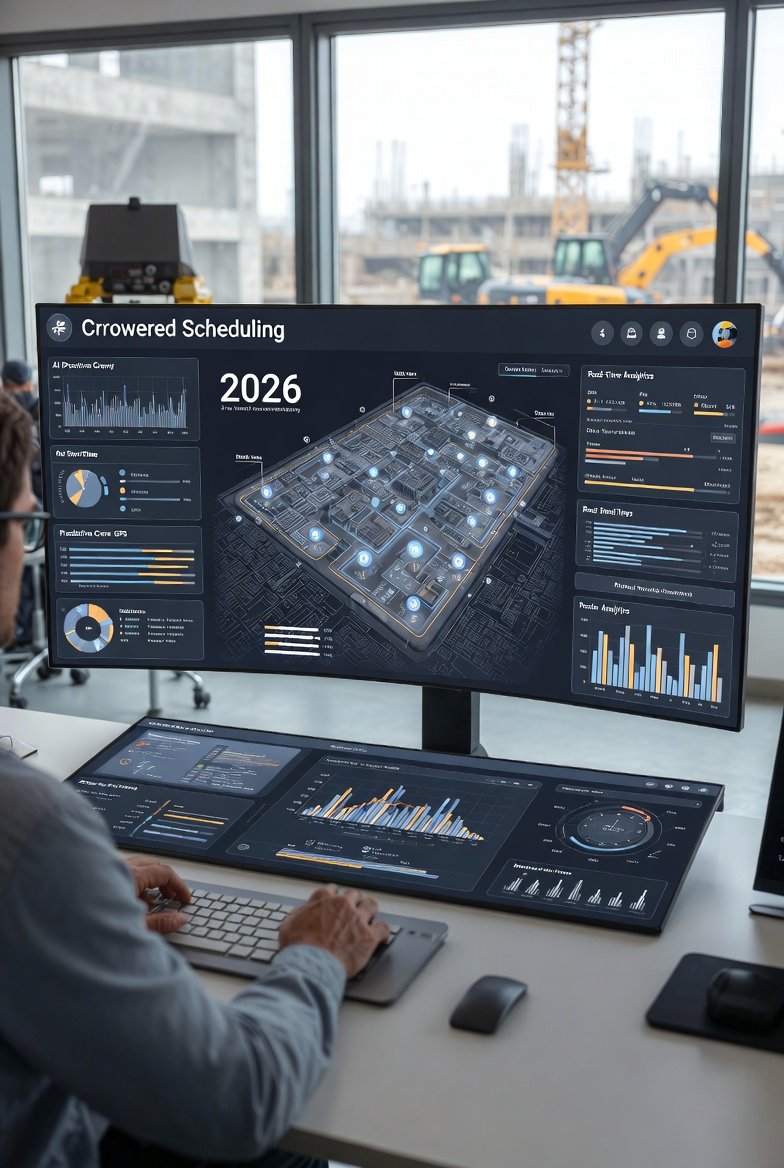
I've watched a lot of scheduling tools come through the jobsite trailer over the years. Most of them promised to fix everything and ended up as one more login nobody used past the second week. The ones that stuck had a few things in common, and none of them were the flashy features on the sales sheet. So instead of another list of buzzwords, here's what actually earns its keep when you're trying to keep crews moving and trades from stepping on each other — and what to look for if you're shopping for crew scheduling software this year.
Start With the Problem You're Actually Solving
Crew scheduling on a construction project isn't really a calendar problem. Anybody can put names on a week. The hard part is the sequence: making sure the framers are out of an area before the electricians rough it in, that the inspector has been called before the drywall crew shows up, and that the concrete guys aren't standing around because the rebar inspection slipped a day. A tool that only tells you "who works Tuesday" is a glorified timesheet. What you need is something that ties the crew to the work, the work to a location, and the location to what has to happen before and after.
That's the difference between a generic staff scheduler and real look-ahead scheduling. The look-ahead — usually a rolling three-to-six-week window — is where you catch the collisions before they cost you a day. If the software you're evaluating can't show you the next few weeks by area and by trade flow, keep looking. That's the whole job.
Mobile That Works When the Signal Doesn't
Your foremen and crew leaders live on their phones, standing in a stairwell or the back of a pickup, not at a desk. So mobile access isn't a bonus feature — it's the delivery mechanism for the entire schedule. But there's a specific test most tools fail: what happens in a concrete basement or a steel-framed core where there's no signal?
If the app blanks out or refuses to load the week because it can't reach the server, your foreman is back to a printout, and printouts go stale the moment you update the plan. Look for something that caches the current week so a crew leader can pull up their assignments even with two bars of nothing, then syncs the second they walk back into coverage. LookAheadWall's companion app is built around exactly that use case — the crew leader checks their week in the field, not the office. Test it yourself before you commit: put the phone in airplane mode and see if the schedule still shows up.
The Update Has to Reach the Field the Same Day
Here's a failure mode I've seen kill more schedules than any weather delay: the schedule changes in the trailer and nobody in the field finds out until the next morning's huddle — or worse, until a crew shows up to an area that isn't ready. A weekly work plan that lives only on the superintendent's laptop is a document. A weekly work plan that pushes to every foreman's phone the moment it changes is a system.
When you evaluate a tool, ask the practical question: if I move an activity at 2 p.m., who knows by 2:05? The good ones sync live and notify the affected crew leaders. The mediocre ones make everyone remember to go re-open the app and hope they're looking at the current version. That gap is where the wasted trips and the "nobody told me" arguments live.
Trade Flow, Not Just Assignments
The single most valuable thing scheduling software can do for a superintendent is make the handoffs between trades visible. On a repetitive job — a multi-family building, a hotel, a floor of tenant improvements — the work moves through areas in a train. Framing, then mechanical/electrical/plumbing rough-in, then insulation, then drywall, then finishes, unit by unit or zone by zone. When that train runs clean, the job flows. When one car stalls, everything behind it piles up.
Good software lets you lay out that flow and see it. You want to spot, three weeks out, that Tower B's rough-in is going to catch up to framing and leave the electricians with nowhere to go. A tool that shows trade flows as connected sequences across locations does this. A tool that just shows a list of who's assigned where does not — you'll find the collision when it happens, which is exactly too late.
Getting Subs Onto the Same Plan
Most of the crews on a modern jobsite don't work for you. They work for subs, and the subs have their own schedules, their own priorities, and a habit of learning your plan through a forwarded PDF that's three revisions old. Any scheduling tool worth adopting has to solve the sub problem, because a look-ahead the subs never see is just you planning by yourself.
What matters here is low-friction access. If a sub foreman has to create an account, get trained, and remember another password to see next week's work, they won't. The tools that get real sub buy-in are the ones where the super can share a clean, current view — the subs see their scope, in their areas, for the next few weeks, without a fight. When you demo software, bring the question front and center: how does my drywall sub see this on Thursday afternoon without calling me?
Commitments and Why They Broke
If you run any flavor of pull planning or Last Planner, you already know the value of tracking what crews committed to versus what actually got done. Percent Plan Complete — the share of planned tasks you actually finished — is a blunt but honest number. When it's sitting at 50%, you've got a planning problem, not a labor problem, and no amount of pushing crews harder fixes it.
The real gold isn't the percentage, though. It's the reasons. Software that lets you tag why a task slipped — waiting on materials, prior trade not done, RFI open, inspection missed, crew short — turns a month of misses into a pattern. Maybe you find that 40% of your slips trace back to one sub, or to a submittal process that's always a week behind. That's actionable. A tool that calculates PPC but doesn't capture the variance reasons gives you a scoreboard with no film to review. Insist on the reasons.
What to Actually Test in a Demo
Sales demos are choreographed to hide the friction. Take control and run these instead:
- Build a real week. Put in an actual upcoming week from a live job — real crews, real areas, real sequence. If it takes 40 minutes and you're fighting the interface, your foremen never will.
- Move something and watch the ripple. Slide a framing activity two days. Does the software show you what downstream trades just got impacted, or do you have to hunt for it yourself?
- Go offline. Airplane mode on a phone. Pull up a crew leader's week. If it's blank, it's a trailer tool, not a field tool.
- Hand it to someone green. Give the phone to a foreman who's never seen it and don't explain anything. If they can't find their Tuesday in under a minute, it needs too much training to survive real turnover.
- Share to a fake sub. Send yourself the sub view. Is it clean and current, or a cluttered export that needs explaining?
Those five tests tell you more than any feature comparison chart. The tool that passes them is the one crews will still be using in month three.
Features That Sound Great and Don't Matter Much
A word of caution, since you'll be pitched plenty of these. Skill and certification databases sound useful, but unless you're running a large self-perform shop, you probably already know who's OSHA-30 and who can run the lift. Elaborate analytics dashboards look impressive in the demo and get opened twice. Deep payroll and HR integrations matter to the office but do nothing for the person standing in the building trying to figure out what's ready to work.
None of that is worthless — but it's not what makes or breaks field adoption. The tools that fail don't fail because they lacked a certification tracker. They fail because a foreman couldn't pull up the current week fast, in the field, without training. Weight your decision toward the daily-use basics and treat the rest as tiebreakers.
The Real Test Is Whether People Use It
Every scheduling tool works in the trailer. The one that matters is the one your foremen actually open on a Monday morning, that your subs actually check before they load the truck, and that shows the current plan instead of last Tuesday's. That's a lower bar than the feature lists suggest and a much harder one to clear.
Whatever you choose — a purpose-built look-ahead platform like LookAheadWall or something else — judge it by that standard. Good crew scheduling software isn't the one with the most checkboxes. It's the one that gets the right week into the right hands early enough to do something about it, and keeps the trades from colliding when the job gets tight. Everything else is a nice-to-have. Get the fundamentals right and the schedule starts running the job instead of the other way around.