
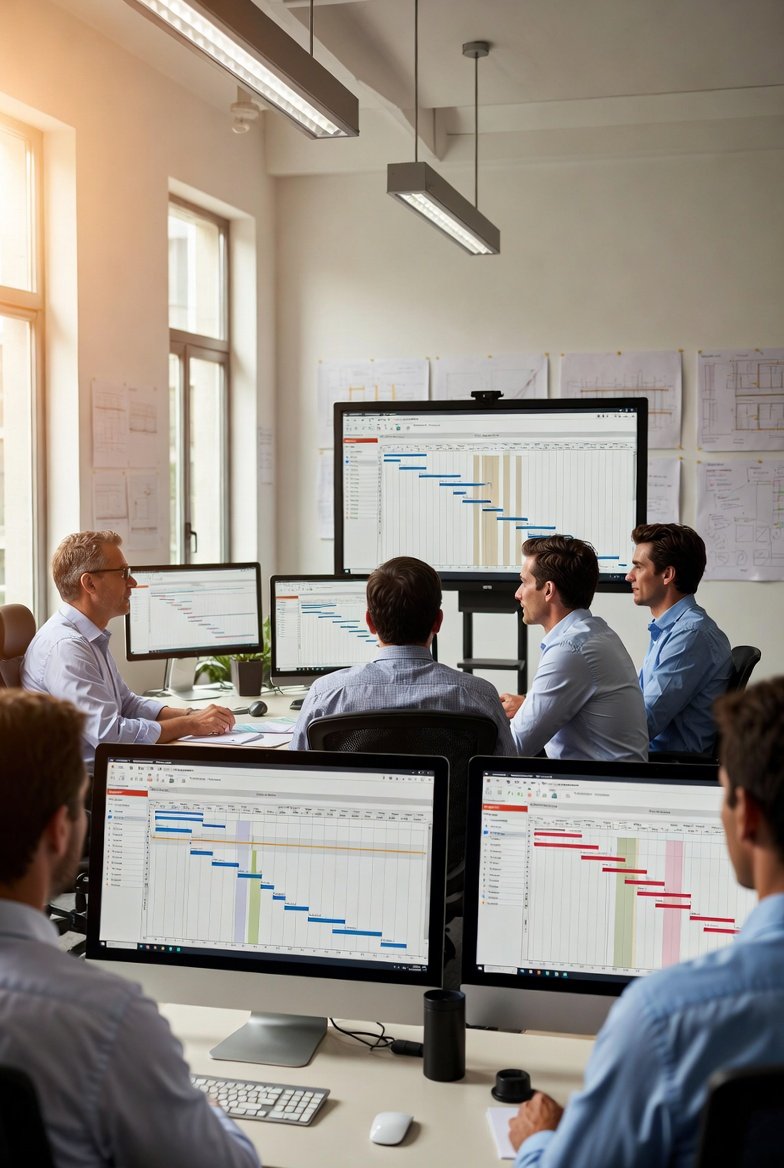
I've watched more than one scheduling rollout die in the gap between the office and the gate. The tool gets bought in a conference room, the demo looks slick, licenses get handed out, and three weeks later the foremen are back to a whiteboard photo texted around the group chat. The software didn't fail because it lacked features. It failed because nobody in the field wanted to touch it.
That's the whole game with crew scheduling software. A superintendent can mandate a tool, but you can't mandate that people update it honestly at 6:15 a.m. with cold hands. The tools that actually stick are the ones a foreman reaches for without being nagged, because using them is faster than not using them. Everything else is shelfware with a monthly invoice.
Why Field Adoption Is the Only Metric That Matters
Every other benefit you're promised depends on one thing: the people doing the work keeping the plan current. If the crew leads don't update status, your rolling look-ahead is a work of fiction by Wednesday. If they don't mark an activity blocked when the material's short, the super finds out at the worst possible time, standing in front of it.
So when you evaluate a scheduling app, stop asking "what can it do" and start asking "will a 55-year-old drywall foreman with a cracked screen protector actually use this on a Monday." Those are completely different questions, and only the second one predicts whether the investment pays off. Broad, honest, daily field use is the ROI. Anything short of that, you've bought a very expensive digital memo.
Built for the Phone, Not Shrunk to Fit It
Here's the tell that separates real field software from desktop products with a mobile afterthought: open it on a phone, outside, and try to update three activities in under a minute. If you're pinching to zoom, hunting for tiny buttons, or the login times out, that tool was designed at a desk by people who don't stand in the mud.
Good field software respects the actual conditions of use:
- Touch targets sized for work gloves. If a foreman has to take a glove off to tap the right button, they'll do it twice and then quit.
- Sunlight-legible screens. High contrast, real font sizes. Half of jobsite phone use happens with the sun blowing out the display. Gray-on-white "modern" design is useless at 2 p.m. in July.
- One or two taps for the common move. Marking an activity complete, started, or blocked is the 90% action. It should never be buried three menus deep.
- It works when the signal doesn't. Basements, stair towers, elevator shafts, the back of a warehouse — dead zones are normal. The app has to hold your input and sync later, not spin and lose it.
That last one is non-negotiable. I've seen a foreman lose ten minutes of updates because he stepped into a concrete stairwell and the app dumped everything it hadn't saved. He never opened it again, and I don't blame him.
Speed Is a Feature, and Friction Is the Enemy
Nobody loves slow software. On a jobsite, slow software doesn't just annoy people — it doesn't get used, because there's always something more urgent to do than watch a spinner. Every second of load time and every extra tap is a small tax, and field crews pay that tax dozens of times a day until they decide it's cheaper to just not.
The friction points that quietly kill adoption:
- Login. If your people re-authenticate every morning by typing a password with thumbs, you've lost. Biometric login and a session that survives overnight are the baseline.
- Typing. Field updates should be taps, toggles, and picklists — not paragraphs. Nobody's writing a novel about why the deck pour slipped. A "blocked: waiting on inspection" tag they can hit in one motion is worth ten free-text boxes.
- Smart defaults. The tool should pre-fill the obvious. Same crew, same location, same trade as yesterday — carry it forward. Make the common case require almost nothing.
A useful rule of thumb: if updating the plan for a day's work takes a foreman more than two or three minutes, they'll skip it under pressure, and pressure is the normal state of a jobsite. Design for the bad morning, not the demo.
Visual and Location-Based, Because That's How Field People Think
Superintendents and foremen don't think in Gantt bars stretched across a timeline. They think in space and sequence: which crew is on which floor, in which area, this week, and who's coming in behind them. A schedule that mirrors that mental model — location-based, color-coded by trade, laid out like the building — gets read at a glance. A schedule that forces people to translate abstract task rows into "wait, where is that" gets ignored.
This is exactly where a visual look-ahead earns its keep. When your weekly work plan shows trades flowing through areas the way they actually move — layout ahead of framing, framing ahead of rough-in, rough-in cleared before you close the wall — a foreman can spot a collision without anyone explaining it. Two trades stacked in the same area on the same day jumps off the screen. Tools like LookAheadWall lean into that location-and-trade-flow view specifically because it matches how the field already reasons about the work, instead of asking the field to reason like a scheduling engine.
Coordination Gotchas the Tool Should Surface for You
The real value of short-interval scheduling isn't the pretty grid. It's catching the handoff problems before they cost you a day. A tool your crews actually use puts these in front of you early:
- The buffer trades never account for. Frame-to-rough-in wants a day or two of slack for cleanup and inspection sign-off before the next trade lands. Crews plan back-to-back and then act surprised when the inspector doesn't show at 8 a.m. sharp. A good look-ahead makes that gap visible so you plan it instead of eating it.
- The inspection that gates everything downstream. Rough-in inspections, fire-stopping, in-wall blocking sign-offs — miss the window and the drywall crew stands around, or worse, closes the wall over unapproved work and you're cutting it back open. The schedule should flag "inspection required" as its own step, not bury it inside "framing."
- The overhead pile-up. Ductwork, plumbing, sprinkler, and electrical all fighting for the same ceiling space in the same week is a coordination meeting waiting to happen. See it in the look-ahead on Monday and you can sequence it. See it on Thursday from a foreman's complaint and you've already lost the time.
- The false "done." "Rough-in complete" and "rough-in inspected and cleared to close" are two different states, and treating them as one is how walls get closed over failed work. The tool should let a foreman say started, done, and verified — because on site those genuinely mean different things.
None of this requires the fanciest software on the market. It requires software people keep current, which loops right back to the point: adoption is what unlocks the coordination value, not the feature list.
Notifications That Help Instead of Nag
The fastest way to get your app muted is to blast everyone about everything. A crew lead who gets pinged about trades on floors he'll never touch turns off notifications inside a week, and then he misses the one alert that actually mattered. Relevance is everything. Tell each person about the things that affect their work — a predecessor slipping, a delivery landing, a blocker on their area — and let them tune the rest. An alert a foreman can act on straight from the notification is worth a hundred FYIs he learns to ignore.
Different Seats, Different Loves
"Lovable" isn't one thing, because the field, the trailer, and the office all want different views of the same plan.
The foreman wants today, plain: what's my crew doing, where, and what do I tap to say it's moving. Photo attach so he can document a condition without writing a report. That's the whole job for him, and if it takes longer than his morning coffee, it's too long.
The superintendent wants the opposite altitude — the whole job at a glance, with the exceptions surfaced. She doesn't want to read every row; she wants the three problems that need her today lit up, and multi-trade visibility so she can see the collision building two weeks out. Look-ahead scheduling done right is an early-warning system, and the super is who it's warning.
The office wants the plan to connect to everything else — reporting without hand-compilation, data that exports clean, and ideally a tie into the accounting and ERP systems so the same numbers aren't keyed twice. If the office has to rebuild the field's data in a spreadsheet, the tool created work instead of removing it.
A tool worth adopting serves all three without making any of them feel like they're doing data entry for someone else's report.
How to Actually Test for This Before You Buy
You can't judge adoption from a vendor demo — demos are run by people who use the product forty hours a week on fast office wifi. Judge it the way it'll actually be used:
- Run the trial with your worst-case field user, not your most tech-forward one. Hand it to the foreman who complains about every new system. If he'll use it, everyone will. If he won't, no mandate saves you.
- Load your real project data. A clean demo project hides everything. Your actual mess — the odd building layout, the trades that overlap, the phase that's behind — is where tools break or shine.
- Test it outside, on cell data, in a dead zone. Walk into the stairwell mid-update. See what happens. That five-minute test tells you more than the entire feature comparison sheet.
- Call a reference at a company like yours. Don't ask "do you like it." Ask "what percentage of your foremen update it daily without being reminded." The number is the truth.
The Warning Signs of Shelfware
Some tells you can read before the ink's dry on a contract. Desktop software with a mobile skin — you'll feel the desk-first thinking in the first minute of thumb use. Too many taps for the everyday action, so the common case is a chore. Slow loads on a real phone over cell data. And a vendor whose answer to field friction is "we'll train them harder." Training is not the fix for a tool people don't want to open. If you find yourself planning to force adoption, the tool has already told you it can't earn it.
The best scheduling software disappears into the work. Nobody talks about it because it just runs — the plan's current, the handoffs land, the collisions get caught on Monday instead of discovered on Thursday. Buy the tool your people will reach for on the bad morning, not the one that wins the feature checklist. On a jobsite, the software that gets used quietly beats the software that impresses in the conference room every single time.