
Where the skepticism comes from
Walk into any trailer and mention scheduling software and you'll get a face. Usually it's the face of a super who got handed a "digital solution" three jobs ago that turned into a data-entry chore nobody touched by week two. That skepticism is earned. Most of the pushback against lookahead scheduling tools isn't ignorance — it's the memory of a bad rollout, a clunky app, or a corporate mandate that added work without removing any.
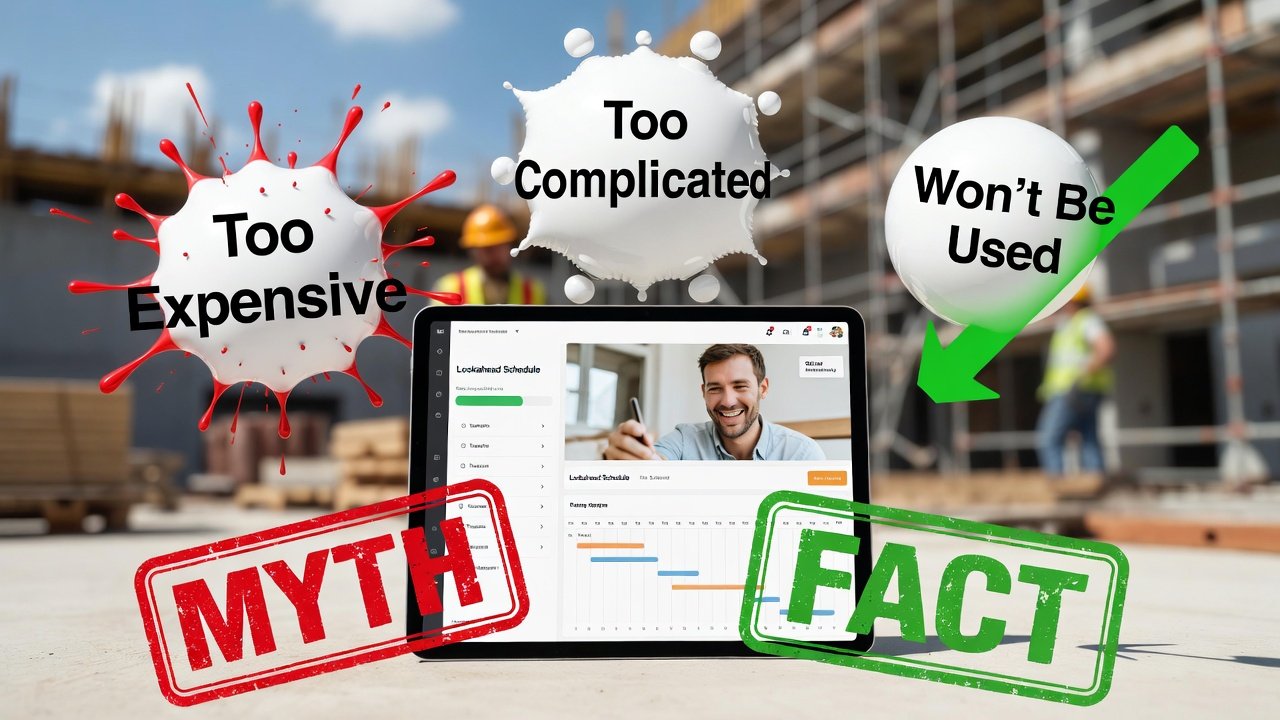
So let's not pretend the objections are dumb. Each one has a kernel of truth. The problem is that the kernel gets treated as the whole story, and a team talks itself out of a tool that would have saved it a week of idle crew time in the first month. Here are the myths I hear most, and the honest version of each — including where the skeptics are actually right.
"It's just one more system to feed"
This one is legitimate right up until you count what you're already doing. Before you call the lookahead an added burden, add up the real hours: redrawing a three-week board every Monday morning, texting six foremen to confirm they'll actually be there, walking the job to find out drywall got ahead of the electrician's rough-in, then re-texting everyone the correction. That's not "no system." That's a manual system running on your phone and a whiteboard, and it eats a superintendent's Monday.
A weekly work plan you maintain in one place replaces that scramble — it doesn't add to it. The catch is real, though: if the schedule lives in a tool nobody but you opens, you've just moved the whiteboard into a screen and kept all the phone calls. The value shows up only when the plan is the single source everyone checks. Get that, and the maintenance time is less than what you spent chasing status. Miss it, and the skeptic was right.
"My crews won't use it"
The instinct here is that field guys hate technology. They don't. The same foreman who "won't use software" runs his whole life off a phone — banking, weather radar, texting the yard for a delivery. What crews hate is a tool that wastes their time or lies to them.
An app gets adopted on the jobsite for exactly one reason: it's the fastest, most reliable way to answer the question the crew leader actually has, which is almost always "where am I working Monday and is the area ready." If the answer in the app is current and correct, they'll check it before they check the weather. If it's three days stale because nobody updated it after Thursday's inspection kicked, they'll go back to calling you — and they'll be right to. Adoption is a data-freshness problem disguised as a culture problem. Keep the plan honest and mobile-accessible and the crews come along. That's the whole reason a companion app for crew leaders exists in the first place.
"It'll replace my master schedule"
No, and if a vendor tells you it will, walk away. The master schedule and the lookahead are different instruments doing different jobs. The master schedule — your Primavera or MS Project file — is the strategic backbone: milestones, the critical path, the contractual completion date, the logic that tells you slab-on-deck can't start until the shoring's stripped. It answers "are we going to finish on time." Nobody frames a wall off a Gantt chart.
The lookahead is the tactical layer, the two-to-six week window where you take those master-schedule activities and break them into the location-based, crew-by-crew, day-by-day reality of the field. "Level 3 electrical rough-in" on the master becomes "east wing units 301–308, Rodriguez's crew, Tuesday through Thursday, needs walls closed one side and inspection sign-off on the runs first." The lookahead is where short-interval scheduling lives, and it feeds status back up so the master schedule reflects the truth instead of the plan. You run both. One doesn't eat the other.
"We're too small for this"
Scale changes the number of trades, not the physics of coordination. A three-trade tenant improvement still has the same failure mode as a fifty-trade hospital: two crews wanting the same space on the same day, or a trade showing up to an area that isn't ready. Framing, rough-in, inspection, close-up, finishes — that sequence has to hold whether it's thirty activities or three thousand.
If anything, the small contractor feels a coordination miss harder. A big GC can absorb a blown day across a hundred-million-dollar job. On a small shop where one buildout is a meaningful chunk of the year's revenue, an idle crew or a wasted mobilization comes straight out of margin. You don't need a fifty-column board. You need a clean weekly work plan that says who's where and whether the area's ready — and that's cheaper and simpler at small scale, not more complicated.
"The software will fix our scheduling"
This is the dangerous one, because it's the myth that sells software and then gets it blamed when it fails. A tool does not plan your job. It doesn't make commitments, walk the site, or tell you the fire caulking hasn't been ordered. People do that.
What a good tool does is make disciplined practice easier to sustain — it structures the make-ready process so constraints get flagged before a crew is standing in front of them, it makes trade-flow sequences visible so you can see the collision coming, and it keeps the plan in front of everyone so a change Thursday doesn't blindside a sub Monday. But if your make-ready is sloppy, if constraints aren't identified a couple of weeks out, if foremen aren't held to what they committed to at the weekly meeting — the software just documents the chaos in higher resolution. Technology amplifies whatever process you already have. Fix the practice first; the tool makes a good practice repeatable.
"It's too expensive"
Run the actual comparison, because it isn't close. Put a real number on one coordination failure: a five-man crew standing around for a day because the area wasn't ready is roughly forty labor-hours you paid for and got nothing back. A single trade mobilizing to a job that wasn't ready — the truck, the setup, the demob, the reschedule — burns a day and poisons the relationship with a sub you need again next month. One long-lead item nobody flagged until install week can slide a whole sequence.
Any of those, one time, costs more than a year of a subscription. Software pricing moved to per-seat cloud plans years ago; the old six-figure on-prem install is gone. The honest ROI question isn't "can we afford the tool," it's "what is one avoided idle day worth" — and for most crews the tool pays for itself the first time it catches a constraint two weeks out instead of the morning of.
"Our jobs are too unpredictable to plan"
This gets the purpose of a lookahead exactly backwards. If your job were perfectly predictable you wouldn't need short-interval scheduling — you'd build the master schedule once and follow it. The whole reason for a rolling plan is that jobs aren't predictable. The lookahead isn't a promise that nothing will change; it's the mechanism that lets you see change coming while there's still time to react.
Weather kicks a pour, an inspector red-tags a run, a submittal comes back rejected — the value of a rolling two-to-three week window is that you catch the downstream collision on paper instead of in the field. The crews that plan aren't the ones surprised by chaos; they're the ones who saw the domino two weeks out, resequenced, and got the affected sub the new date before he loaded his truck. Predictability isn't the prerequisite for planning. Unpredictability is the reason for it.
"The learning curve is too steep"
Creating and maintaining a two- or three-week plan is a couple of hours to learn, not a couple of weeks. A foreman viewing his area, checking what's ready, and reporting progress figures it out by poking at it — because the interface is built to look like the phone apps he already uses. The steep-curve fear usually comes from confusing the basic loop with the advanced features nobody needs on day one.
Start narrow. Get the weekly work plan built, get foremen checking it, get progress flowing back. That's the whole engine, and it runs on the simple stuff. Custom reporting, integrations, elaborate configurations — those exist, but they're optional, and reaching for them before the basic habit sticks is how rollouts die. Master the simple loop first; add sophistication only when the team's asking for it.
"Spreadsheets are fine"
Spreadsheets are genuinely fine for making a schedule document. Where they fall down is everything after you hit save. A spreadsheet is a snapshot — the second you change it, every copy in every inbox is wrong, and you're back to manually broadcasting the update. There's no version anyone can trust, so people stop trusting any of them.
The gap that matters is live coordination. When drywall slides two days, a shared plan reflects it instantly for the electrician who was waiting; an emailed spreadsheet reflects it whenever the electrician happens to reopen the attachment, which is never. Constraint tracking in a spreadsheet is a column somebody has to remember to update; in a purpose-built tool it's part of the make-ready workflow. Trade-flow logic — the sequencing that keeps two crews out of the same room — a spreadsheet simply can't enforce. If your job has one trade and no changes, the spreadsheet's fine. The moment you've got multiple trades handing off work, you've outgrown it.
The honest bottom line
Every one of these myths holds a grain of truth, and a good super should keep the grain: the tool does need feeding, adoption is real work, spreadsheets do cover the simplest jobs, and no software plans your project for you. What the myths get wrong is the magnitude — they inflate the friction and ignore the cost of the coordination failures they're helping you avoid.
The teams that get past this don't buy a tool expecting a miracle. They fix their make-ready discipline, commit to keeping one plan honest, and use software to make that discipline repeatable across every job instead of living in one superintendent's head. Do that, and the payback isn't a talking point — it's the idle day that never happened, the sub who showed up to a ready area, and the Monday you spent building work instead of chasing status. That's the whole case, and it stands on its own whether the logo on the tool is ours or anyone else's.