
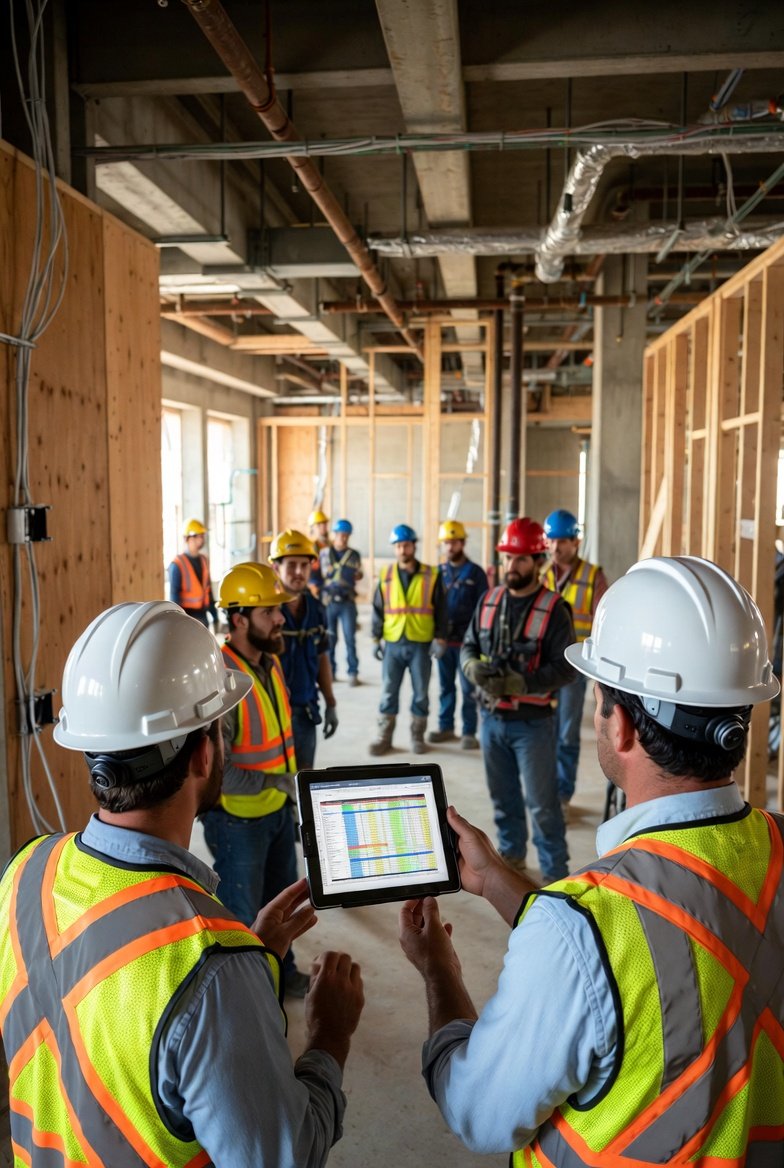
The Challenge of Subcontractor Coordination
Every general contractor knows the frustration: you've got the electrician showing up on Tuesday expecting clear walls, but the framing crew is still finishing their work. The plumber is waiting for the electrician, the insulator is waiting for both, and suddenly your carefully planned schedule has collapsed into chaos. This is exactly why construction scheduling software has become essential for modern project management.
Coordinating multiple subcontractors is arguably the most challenging aspect of running a construction project. Each trade has its own timeline, its own crew availability, and its own priorities. Without a centralized system to align everyone, you're left playing an endless game of phone tag, trying to sort out who goes where and when. Construction management software eliminates this chaos by giving everyone access to the same real-time information.
Why Traditional Coordination Methods Fail
For decades, general contractors relied on a combination of phone calls, emails, whiteboard schedules, and weekly meetings to coordinate their subcontractors. While these methods worked for simpler projects, they crumble under the complexity of modern construction:
- Phone calls don't scale: When you have 15+ subcontractors, you can't personally call each one every time something changes.
- Emails get buried: Critical schedule updates lost in overflowing inboxes lead to missed work days.
- Whiteboards aren't mobile: Field crews can't check a whiteboard from the job site.
- Weekly meetings are too slow: By the time you meet, the schedule has already changed three times.
Modern construction project management software addresses every one of these limitations. Changes made by the superintendent are instantly visible to every connected subcontractor. No more "I didn't know" excuses—the schedule is right there on everyone's phone.
Setting Up Your Subcontractors for Success
Effective coordination starts with proper setup in your contractor scheduling software. Here's how to configure your system for maximum coordination efficiency:
1. Create Complete Company Profiles
For each subcontractor, capture comprehensive information:
- Official company name and trade type
- Primary contact person and their cell phone
- Backup contact for when the primary is unavailable
- Unique color code for visual schedule identification
- Any special notes about their capabilities or limitations
The best construction scheduling software makes this information easily accessible, so when you need to reach someone quickly, you're not digging through papers or scrolling through contacts.
2. Establish Clear Access Levels
Not every subcontractor employee needs the same access. Your construction scheduling software should let you set permissions appropriately:
- Company owners: Full visibility into their scope across all your projects
- Field supervisors: Access to detailed daily schedules and the ability to see related trades
- Crew leaders: Simple view of their specific assignments and locations
By controlling who sees what, you reduce confusion while ensuring everyone has the information they need to do their job.
3. Use Color Coding Religiously
One of the most powerful coordination features in construction management software is visual color coding. When every trade has a distinct, consistent color:
- Schedule reviews become faster—you can spot trade sequences at a glance
- Conflicts become obvious—two colors in the same space means a problem
- Subcontractors can find their work instantly on any schedule view
Establish your color scheme at the company level and maintain it across all projects. Electricians are always blue. Plumbers are always green. HVAC is always orange. This consistency pays dividends as your team learns to read schedules visually.
Daily Coordination Best Practices
Having construction project management software is only valuable if you use it effectively. Here's a daily coordination rhythm that works:
Morning: Quick Schedule Review
Start each day by opening your contractor scheduling software and reviewing what's planned. Ask yourself:
- Which trades are supposed to be on site today?
- Are there any potential conflicts between trades working in the same areas?
- Did anything change overnight that affects today's work?
Mid-Day: Field Verification
Walk the site and verify that work is progressing as scheduled. If a trade is falling behind or running ahead, update your construction scheduling software immediately. Real-time updates mean everyone stays informed without additional phone calls.
Afternoon: Tomorrow's Prep
Before leaving the site, review tomorrow's schedule. If you see potential issues, address them now—send messages through your construction management software, adjust timing, or make phone calls as needed. Proactive coordination is always easier than reactive damage control.
Handling Schedule Changes Without Chaos
No construction schedule survives contact with reality unchanged. Materials arrive late, weather intervenes, inspections get delayed. The mark of effective coordination isn't avoiding changes—it's handling them smoothly. Construction scheduling software makes this possible in several ways:
Connected Labels and Chain Drag
When you connect related activities in your contractor scheduling software, you create logical sequences. If the concrete pour moves, everything connected to it—framing, rough-ins, inspections—moves automatically while maintaining the proper gaps. This "chain drag" feature can save hours of manual rescheduling.
Instant Notifications
The best construction scheduling software notifies affected parties when changes occur. The framing contractor doesn't need you to call them—they see the updated schedule on their phone and adjust accordingly.
Historical Tracking
When disputes arise about schedule changes, having a documented history in your construction project management software protects everyone. You can show exactly when changes were made and who was notified.
Running Effective Coordination Meetings
Even with excellent construction management software, face-to-face coordination meetings remain valuable. The difference is that now these meetings are focused and productive instead of chaotic catch-up sessions:
Use Your Schedule as the Agenda
Project your construction scheduling software on a screen or TV. Walk through the next 2-3 weeks systematically, trade by trade. Everyone can see exactly what's being discussed.
Address Conflicts Visually
When two trades appear in the same area at the same time, it's immediately visible on the schedule. Discuss and resolve these conflicts in the meeting, making changes in real-time that everyone can see.
Get Commitments on Record
When a subcontractor commits to a completion date, note it in your contractor scheduling software. This creates accountability—there's no later dispute about what was promised.
Special Coordination Challenges
Certain situations require extra coordination attention. Here's how construction scheduling software helps with common challenges:
MEP Coordination
Mechanical, electrical, and plumbing trades often work in the same spaces and need to coordinate their routing. Use your construction project management software to schedule coordination meetings and ensure rough-ins happen in the correct sequence.
Inspections
Many activities require inspection before the next trade can proceed. Build inspection holds into your schedule so everyone knows that electrical rough must pass inspection before insulation can begin.
Long-Lead Items
Some materials have extended delivery times. Track these in your construction management software and schedule the dependent work accordingly. There's no point scheduling cabinet installation if the cabinets won't arrive for another week.
Measuring Coordination Success
How do you know if your coordination efforts are working? Look for these indicators:
- Reduced phone calls: When subcontractors check the construction scheduling software instead of calling you, coordination is working.
- Fewer conflicts: Trades arriving to find they can't work because another trade is in the way should become rare.
- Faster meetings: Coordination meetings should become shorter as everyone arrives already informed.
- On-time completions: Ultimately, good coordination means hitting milestone dates consistently.
Common Coordination Mistakes
Even with excellent contractor scheduling software, coordination can fail if you make these mistakes:
Not Enforcing System Use
If you let subcontractors ignore the schedule and call you for updates instead, you've lost the efficiency benefits. Make clear that the construction scheduling software is the source of truth.
Infrequent Updates
A schedule that's updated weekly quickly becomes unreliable. Update your construction project management software daily—or more often when things are changing rapidly.
Overcomplicating the Schedule
More detail isn't always better. If your schedule is so complex that no one can understand it, coordination suffers. Keep it clear and focused on what matters.
Conclusion
Subcontractor coordination is the linchpin of successful construction project delivery. By implementing construction scheduling software and following the practices outlined in this guide, you transform coordination from a daily struggle into a streamlined process.
The best construction scheduling software doesn't just display information—it changes how your entire team communicates and operates. Subcontractors arrive knowing what to expect. Conflicts are resolved before they cause delays. Changes propagate instantly to everyone who needs to know.
Investing in proper construction management software and coordination practices pays dividends on every project: fewer delays, less frustration, happier subcontractors, and satisfied clients. Start coordinating smarter today.