
The Cost of Trade Conflicts
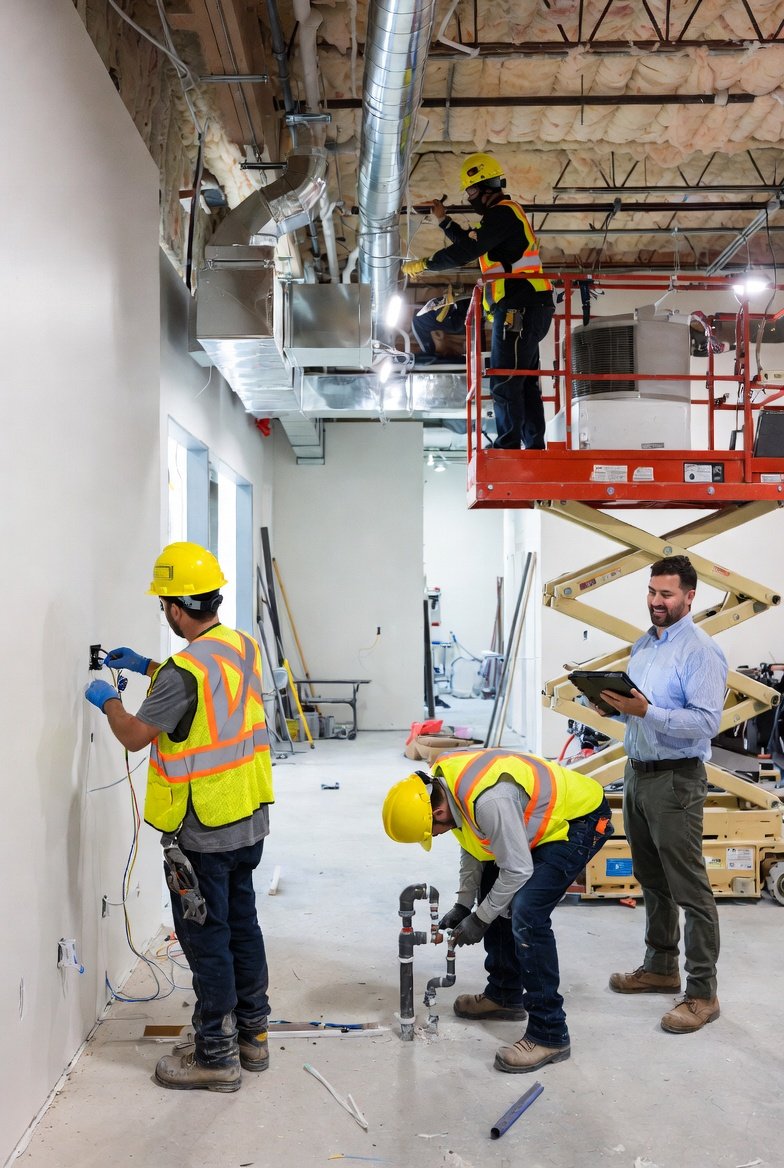
Two trades arrive at the same location, ready to work. Neither can proceed because they'd be in each other's way. Both crews sit idle while supervisors make phone calls trying to figure out who should stay and who should leave. This scene plays out on construction sites every day, costing the industry billions in wasted labor and delayed completions. Construction scheduling software exists specifically to prevent these conflicts, but only if you use it correctly.
Trade conflicts are more than inconveniences—they erode trust, damage relationships, and create a culture of skepticism around your schedules. When subcontractors can't trust that they'll actually be able to work when scheduled, they start hedging: bringing fewer workers, prioritizing other projects, treating your schedule as a loose suggestion rather than a commitment. Construction management software helps you break this cycle by making your schedules reliable.
Understanding Why Conflicts Occur
Before we can prevent conflicts, we need to understand why they happen. In most cases, trade conflicts result from:
Insufficient Schedule Detail
A schedule that says "Electrical Rough-In: Week 3" without specifying locations creates overlap potential. When your construction project management software doesn't capture where work occurs, trades with different spatial needs end up in the same areas.
Poor Visualization
Schedules maintained in spreadsheets or text lists make it hard to spot conflicts visually. When you can't easily see that two trades are scheduled in the same space on the same day, conflicts slip through. Contractor scheduling software with visual, color-coded schedules makes conflicts obvious.
Lack of Real-Time Updates
When Schedule Version A says the plumber finishes Thursday, but the actual work extends into Friday, the electrician scheduled for Friday morning arrives to an occupied space. Construction scheduling software with real-time updates prevents these out-of-sync situations.
Ignoring Physical Constraints
Some spaces simply can't accommodate multiple trades safely. A bathroom might only have room for one crew at a time. If your construction management software doesn't account for these constraints, conflicts are inevitable.
Strategies for Conflict Prevention
The best construction scheduling software provides tools for conflict prevention, but tools are only valuable when applied correctly. Here are proven strategies:
Strategy 1: Location-Based Scheduling
Instead of scheduling just by trade ("Electrical: Week 3"), schedule by trade AND location ("Electrical Rough - Master Bath: Monday-Tuesday"). This level of detail in your construction project management software makes it immediately clear when two trades are attempting to occupy the same space.
Create activity rows that represent physical locations: Floor 1, Floor 2, Unit A, Unit B, Building 1, Building 2. Then place trade activities on these location rows. When two labels overlap on the same row and day, you've identified a potential conflict before it happens.
Strategy 2: Visual Color Coding
Assign a unique, consistent color to each trade in your contractor scheduling software. When you look at any day on your schedule, the colors tell you instantly who's working where:
- Blue for electrical
- Green for plumbing
- Orange for HVAC
- Red for fire protection
- Purple for drywall
If you see blue and green overlapping in the same location, you know there's a potential conflict to evaluate. Some construction scheduling software will even highlight these overlaps automatically.
Strategy 3: Trade Flow Sequences
Most work follows predictable sequences: rough plumbing before rough electrical before insulation before drywall. When you connect these activities in your construction management software as trade flows, the software maintains proper sequencing automatically.
If the plumber falls behind, connected activities shift accordingly. The electrician's start date adjusts without you making individual calls. This prevents the conflict where Trade B is scheduled to start before Trade A has actually finished.
Strategy 4: Buffer Time Between Trades
Don't schedule trades back-to-back without transition time. When framing completes at 4 PM Friday, don't schedule rough MEP to start at 7 AM Monday. Your construction project management software should include buffer time for:
- Cleanup and debris removal
- Inspection if required
- Material staging for the next trade
- Unexpected minor delays
Strategy 5: Pre-Construction Coordination Meetings
Use your contractor scheduling software as the centerpiece of pre-construction meetings. Walk through the schedule trade by trade, asking each subcontractor to confirm their understanding and identify potential conflicts. This collaborative review catches issues before construction begins.
Using Software Features for Conflict Detection
Modern construction scheduling software includes features specifically designed to identify and prevent conflicts:
Overlap Warnings
Some systems flag when two activities occupy the same space and time. Pay attention to these warnings in your construction management software—they're catching conflicts you might otherwise miss.
Resource Loading Views
View your schedule by location to see all trades working in that area. If a bathroom has three trades scheduled on the same day, you'll see it clearly. Your construction project management software should make these views easy to generate.
Trade-Specific Reports
Generate reports showing only specific trades' schedules. Send the electrical report to your electrician, plumbing to your plumber. When trades review their specific schedules, they can identify conflicts with their own experience: "We can't do that in one day" or "We'll conflict with the framers there."
The Role of Daily Coordination
Even the best construction scheduling software requires human oversight. Build these daily practices into your routine:
Morning Site Walk
Start each day by walking the site with your contractor scheduling software open on your phone. Verify that the trades present match the schedule. If someone's missing or someone extra is present, investigate immediately.
End-of-Day Update
Before leaving the site, update your construction management software with actual progress. If framing didn't finish the master bedroom as planned, adjust the schedule now—not tomorrow when the electrician shows up to an unfinished space.
Weekly Lookahead Review
Each week, review the coming two to three weeks for potential conflicts. Use your construction project management software to identify days or locations where multiple trades converge. Address these in your coordination meetings.
Handling Conflicts When They Occur
Despite best efforts, some conflicts will occur. Here's how to handle them effectively:
Prioritize Based on Critical Path
When two trades conflict, which one should stay? Usually the one on the critical path—the sequence of activities that determines project completion. Your contractor scheduling software should help you identify critical path items.
Find Alternative Work
Can the displaced trade work in a different area? Rather than sending them home, use your construction scheduling software to find other scheduled work they could start early.
Document and Learn
Record why the conflict occurred and what you did to resolve it. Over time, patterns emerge. Maybe your drywall estimates are consistently optimistic, or maybe the plumber always runs long in multi-story buildings. Use these insights to improve future schedules.
Building a Conflict-Free Culture
Construction scheduling software is a tool, but culture determines how that tool is used. Build a culture where:
Accuracy Is Expected
Subcontractors understand that the schedule in your construction management software is a commitment, not a suggestion. When they accept a scheduled date, they're committing to have crews and materials ready.
Changes Are Communicated Immediately
When something changes, it goes into the construction project management software right away. No waiting until the weekly meeting. No assuming someone else will handle it. Immediate updates prevent conflicts from forming.
Collaboration Trumps Blame
When conflicts occur, focus on resolution rather than finger-pointing. A culture of collaboration uses the contractor scheduling software to solve problems together, not to assign blame after the fact.
Conclusion
Trade conflicts are preventable. With proper use of construction scheduling software, visual scheduling, trade flow connections, and daily coordination practices, you can dramatically reduce the wasted time and damaged relationships that conflicts cause.
The investment in construction management software and the practices described here pays for itself quickly. Every conflict prevented saves labor costs, maintains subcontractor trust, and keeps your project moving forward. The best construction scheduling software gives you the visibility and control needed to manage complex trade coordination—but the discipline to use it correctly is up to you.
Start treating your schedule as the definitive plan, maintain it accurately in real-time, and use visual tools to spot conflicts before they occur. Your trades will thank you, your projects will run smoother, and your clients will receive the on-time completions they expect.